5. Removing and Replacing the Instrument Cover
5-4 Technical Manual for sunrise RC, TW, TS, TC, BC, 6F No. T 137 302 Rev No. 1.1 2004-10
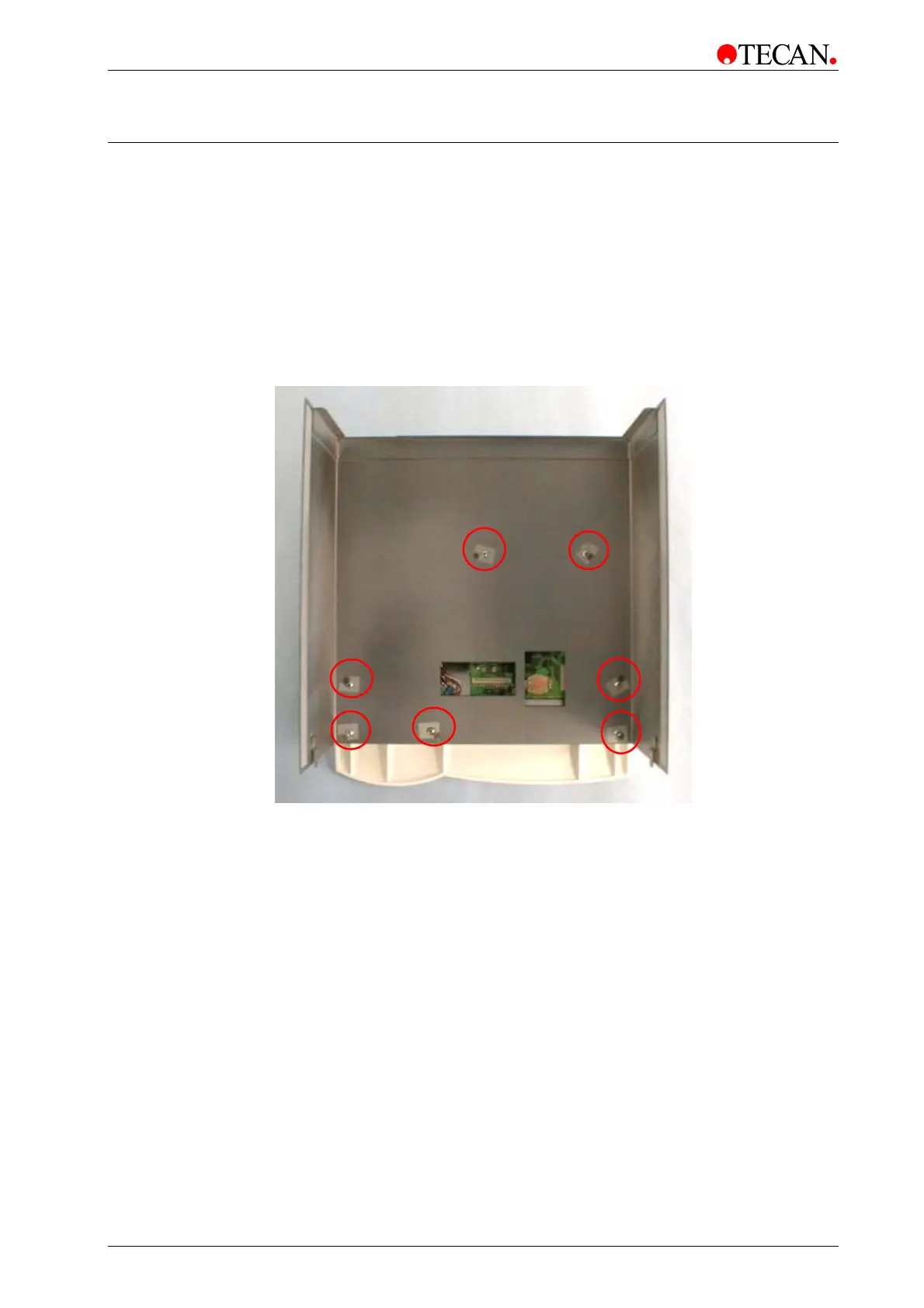
5.3 Removal of Touchscreen
The instrument top cover with Touchscreen is removed using the following
procedure:
1. Switch the instrument OFF.
2. Remove the main power supply cable from the socket.
3. Disconnect the Touchscreen cable from the Touchscreen.
4. Remove the Touchscreen by unscrewing the 7 screws.
To replace the Touchscreen, follow the instructions in reverse order.



 To Next Page