4. Firmware and Software Description
4-14 Technical Manual for sunrise RC, TW, TS, TC, BC, 6F No. T 137 302 Rev No. 1.1 2004-10
4.4.9 SunSet Options Menu
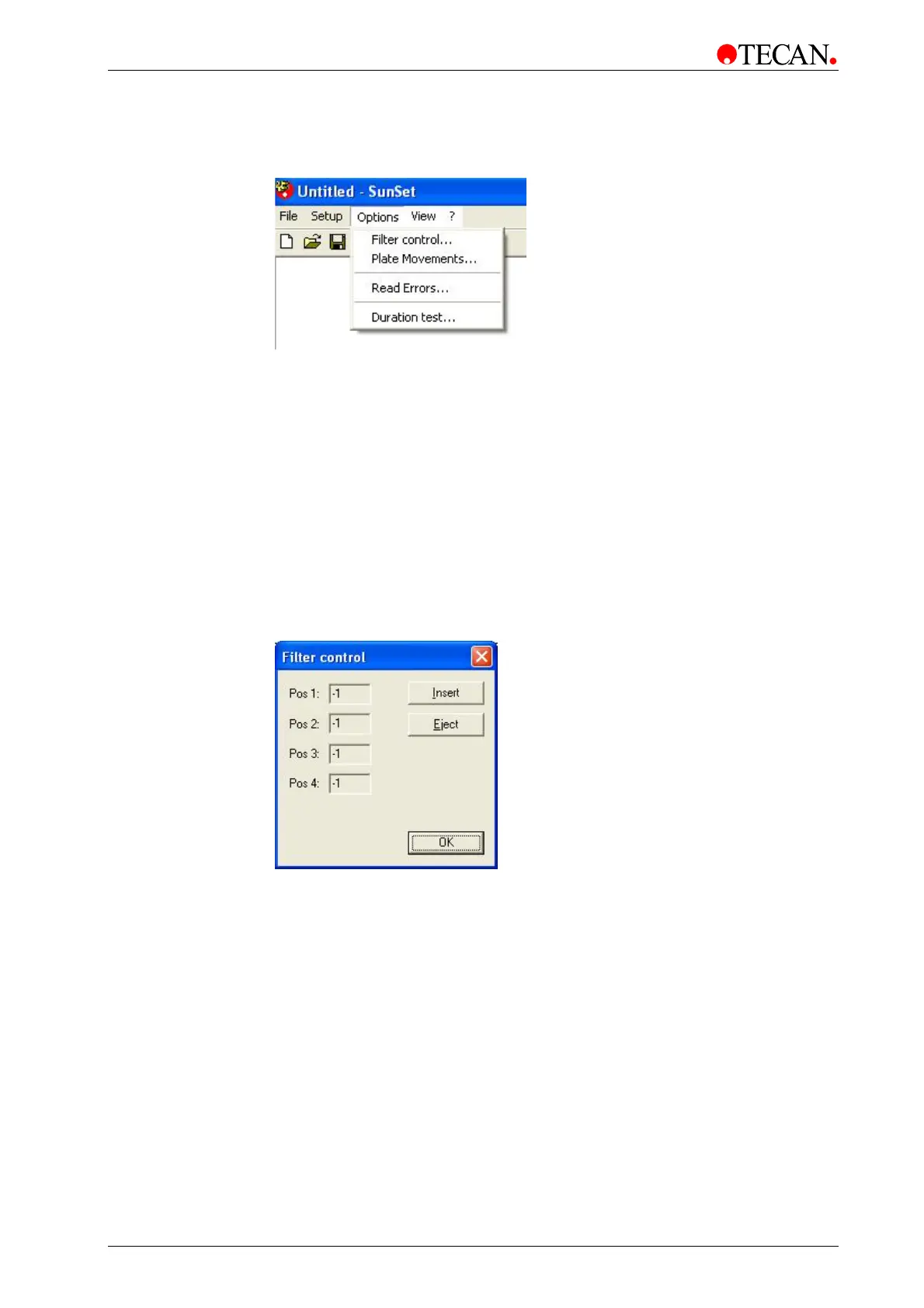
The Options menu has the following options:
• Filter control…
• Plate Movements…
• Read Errors
• Duration test…
Filter control
To move the filter slide perform the following procedure:
Select Filter control… from the Options menu and the following dialog box is
displayed:
Click Eject to move the Absorbance filter slide out of the instrument.
To insert a filter slide, open the filter compartment manually and place the filter in
the instrument so that the filter end of the slide is inserted first.
Click Insert to move the Absorbance filter slide in. The filters can now be defined
in the User configuration dialog box (Under Setup, select User configuration…)
When all the required movements have been performed, click OK to end.



 To Next Page