4. Firmware and Software Description
2004-10 Technical Manual for sunrise RC, TW, TS, TC, BC, 6F No. T 137 302 Rev No. 1.1 4-15
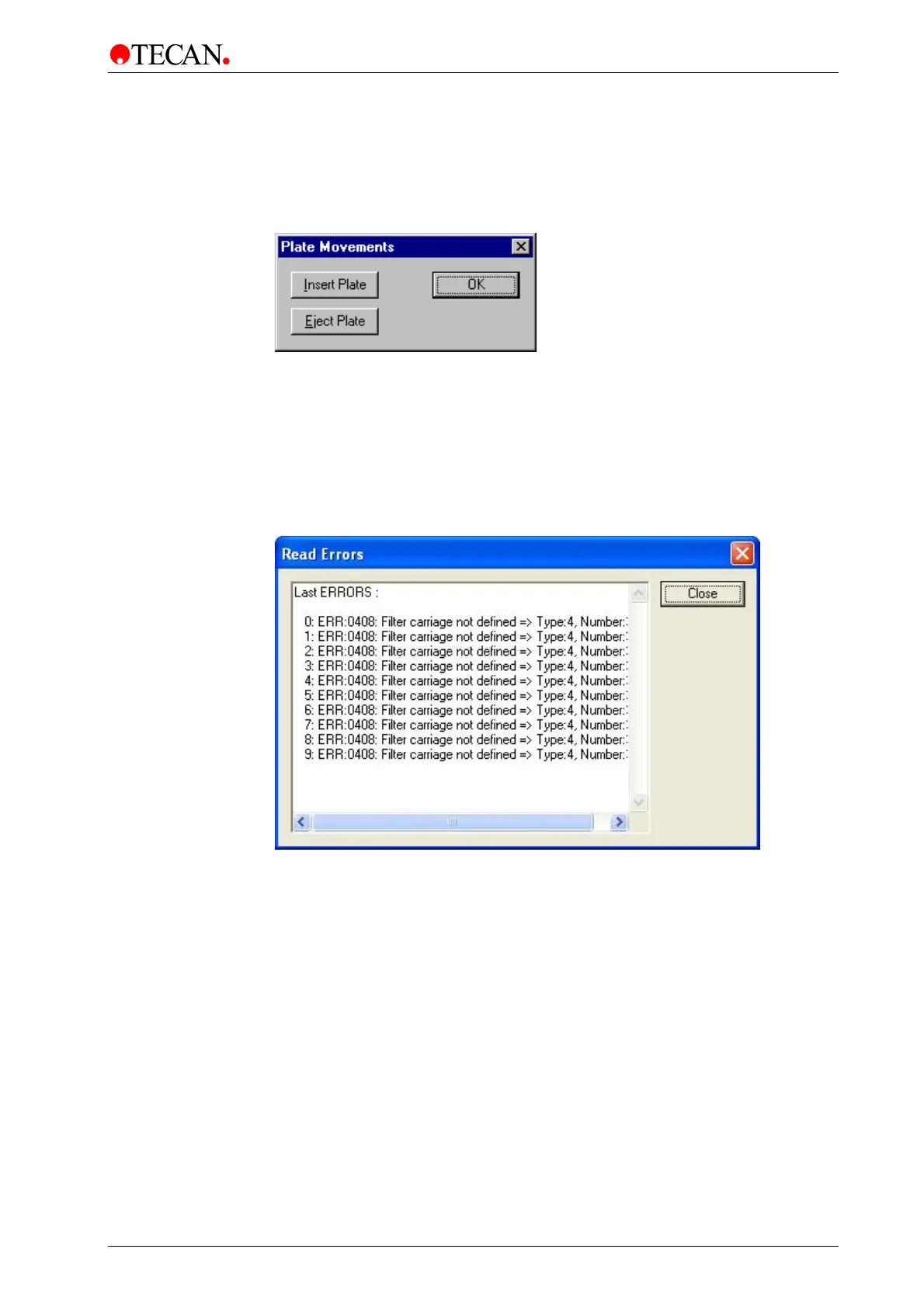
Plate Movements
To move the plate carrier perform the following procedure:
Select Plate Movements… from the Options menu and the following dialog box
is displayed:
To move the plate carrier out, click Eject Plate. To move the plate carrier in, click
Insert Plate. The plate carrier is automatically positioned correctly. When a
measurement is started the plate moves into the instrument.
When all the required movements have been performed, click OK to end.
Read Errors
Select Read Errors … from the Options menu and the following dialog box is
displayed:
In the Read Errors dialog box, the last 10 errors messages of the instrument can
be displayed.



 To Next Page