8. Electronic System
2004-10 Technical Manual for sunrise RC, TW, TS, TC, BC, 6F No. T 137 302 Rev No. 1.1 8-19
7. Remove the EMV shield and the black USB-PCB shield.
8. Lift the unit out carefully without damaging or shifting the gasket on the front
of the screen.
9. Disconnect the cables.
10. Unscrew the WinCE board.
11. Replace all parts in reverse order.
8.17 Converter Board
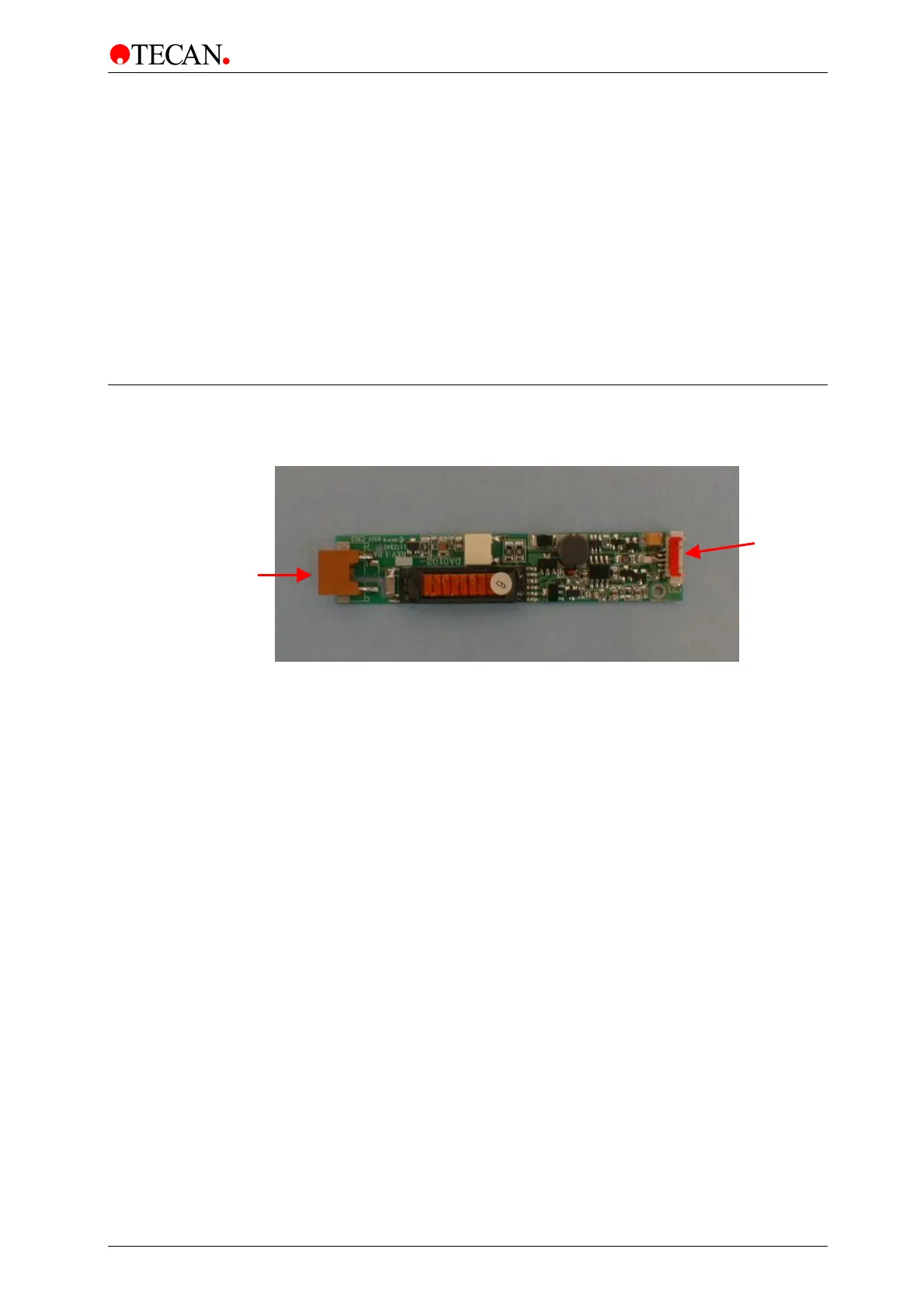
The Converter Board controls the power for the backlight of the display.
The power supply unit is replaced using the following procedure:
1. Switch the instrument OFF.
2. Remove the main power cable from the socket.
3. Remove the instrument top cover.
4. Remove the Touchscreen.
5. Disconnect the two connectors.
6. Unscrew the converter board.
7. Replace the converter board.
8. Replace all parts in reverse order.
Connector to
Touchscreen
Connector to
Win CE Board



 To Next Page