8. Electronic System
8-20 Technical Manual for sunrise RC, TW, TS, TC, BC, 6F No. T 137 302 Rev No. 1.1 2004-10
8.18 Touch Panel
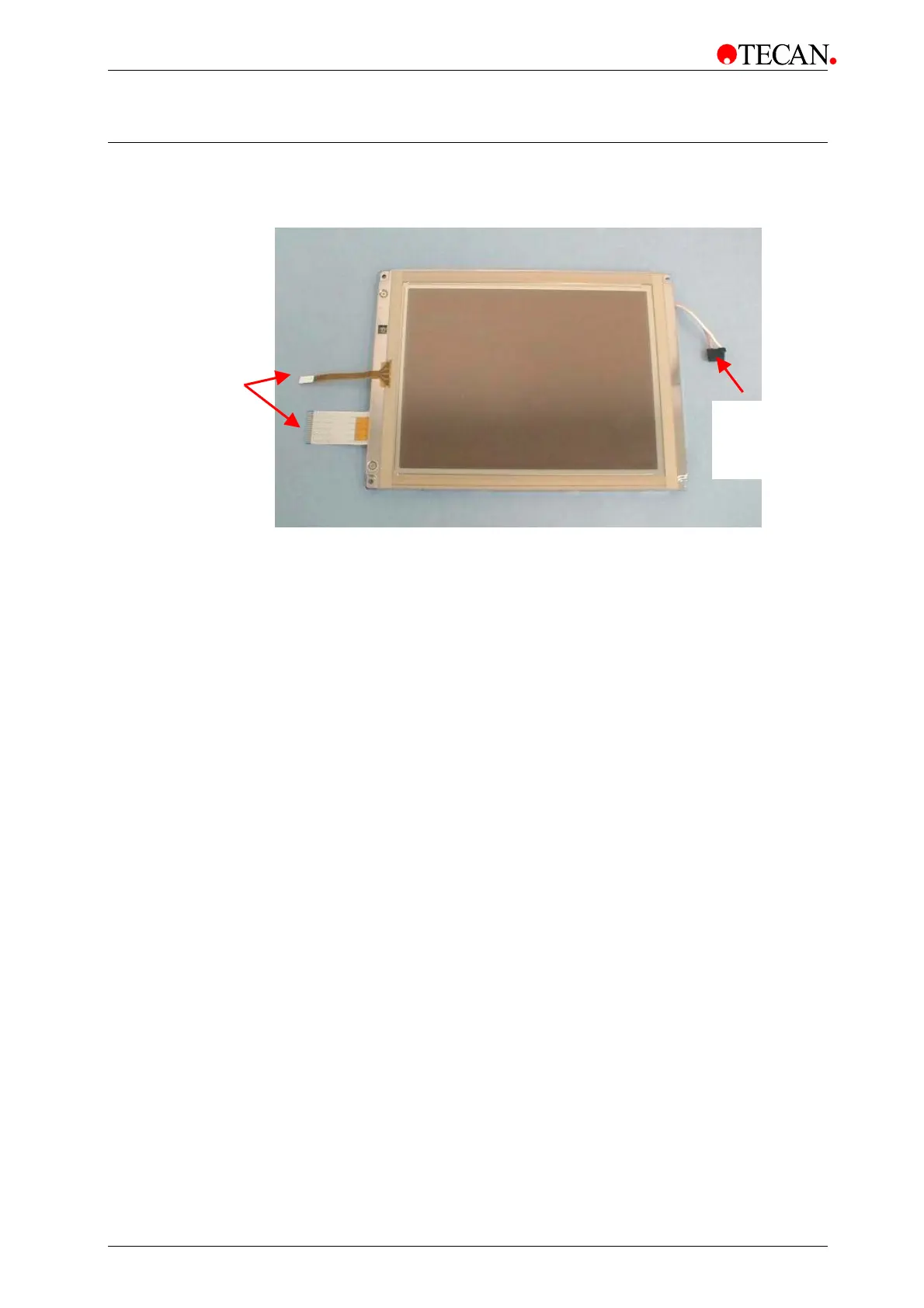
The touch panel consists of the display and the touchpad.
The touch panel is replaced using the following procedure:
1. Switch the instrument OFF.
2. Remove the main power cable from the socket.
3. Remove the instrument top cover.
4. Remove the Touchscreen
5. Remove the USB stick.
6. Unscrew the five screws where the complete chassis fixed with.
Remove the EMV shield and the black USB-PCB shield. (Refer to chapter 0
Connector to
Converter
Connectors to
WinCE Board



 To Next Page