4. Firmware and Software Description
4-16 Technical Manual for sunrise RC, TW, TS, TC, BC, 6F No. T 137 302 Rev No. 1.1 2004-10
Duration Test
To perform a duration test use the following procedure:
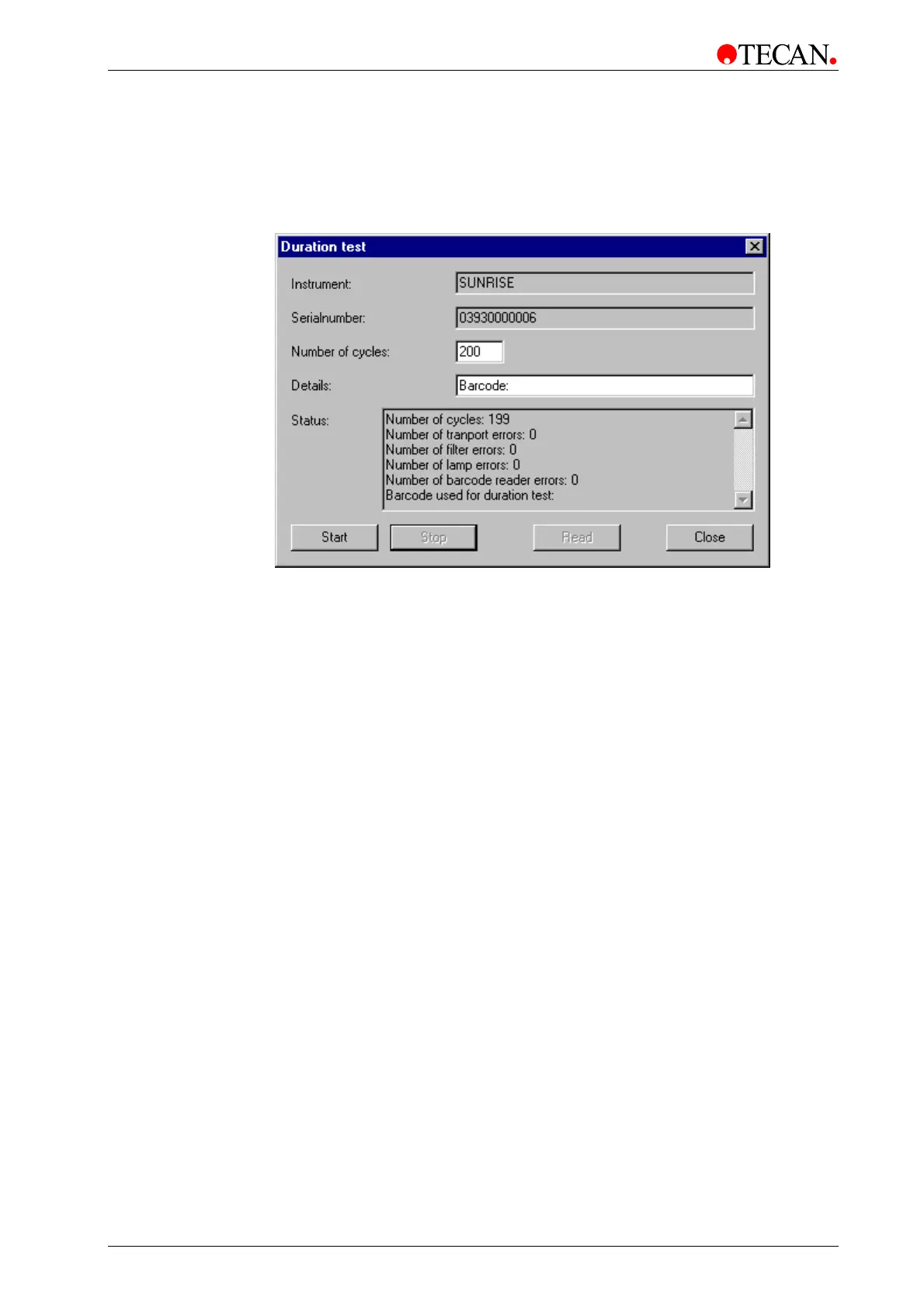
Select Duration test… from the Options menu and the following dialog box is
displayed:
Select the number of cycles (e.g. to 200). Click Start to start the duration test.
If the barcode option is activated, a microplate with a barcode can be inserted
and will be used for the Duration test. Enter the Barcode number in the Details:
textbox next to the word 'Barcode:'
When the Duration test is finished, the Status window shows the numbers of
cycles and errors, if any.



 To Next Page