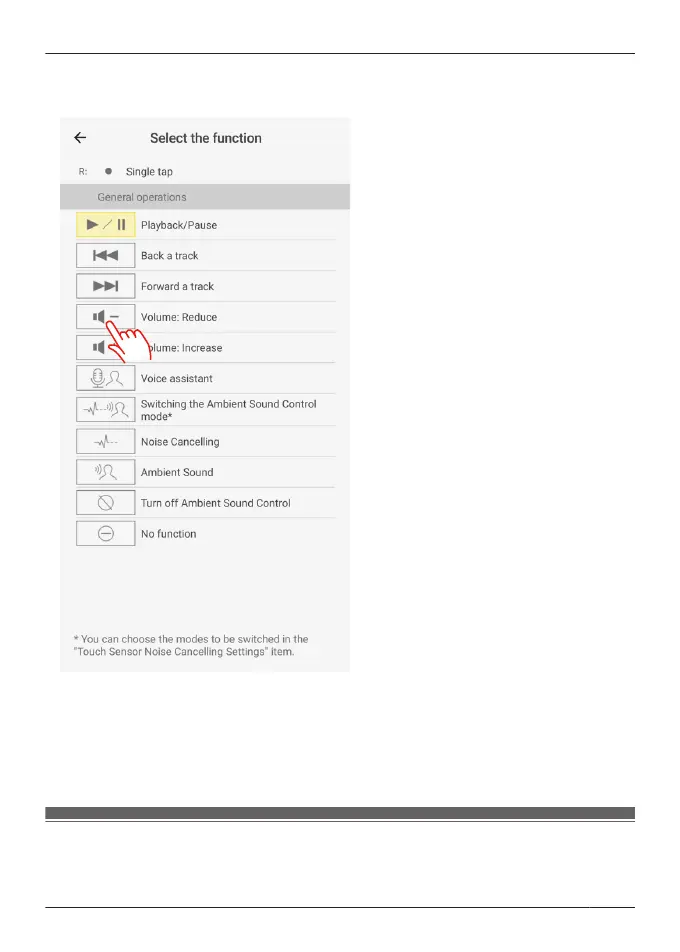
5 Select and tap a function.
Example) Changing to [Volume: Reduce]
6 Tap [Confirm].
Note:
R To reset to default settings, tap [Return to default values], and then tap [OK].
Customize external sound control switching
The mode switches every time you touch and hold the touch sensor (R) on the earphones. You
can select what modes to switch between.
59
Convenient Function



 To Next Page