4 When you hear the pairing sound (melody) from earphone (R), release your finger from
touch sensor (R).
R To listen to the pairing sound, click {{"Here"|tolink("https://eww.pavc.panasonic.co.jp/
avcacc/technics/sound-data/Pair_const.wav")}}.
R If you do not hear the pairing sound even after touching for about 10 seconds, start over
from step 1.
5 Touch and hold touch sensor (R) again until you hear the completion message.
R Resetting earphone (R) is complete when you hear the completion message.
6 Put earphone (R) back into the charging cradle.
7 Repeat steps 2 to 6 above for earphone (L).
Note:
R To pair a Bluetooth
®
device with the earphones again, delete the pairing information (device
name) on the Bluetooth
®
device that was paired with the earphones, and then pair the
earphones with the Bluetooth
®
device again.
“Use the app to pair with a Bluetooth
®
device”, Page 34
“Pair with a Bluetooth
®
device without the app”, Page 35
R Some settings such as the language settings for voice prompt and Amazon Alexa are not
reset.
R You can use the [Technics Audio Connect] app to reset to the factory settings (default settings
upon purchase).
“Reset the headphones to factory settings”, Page 62
Maintenance
Maintenance
R Wipe with a soft, dry cloth.
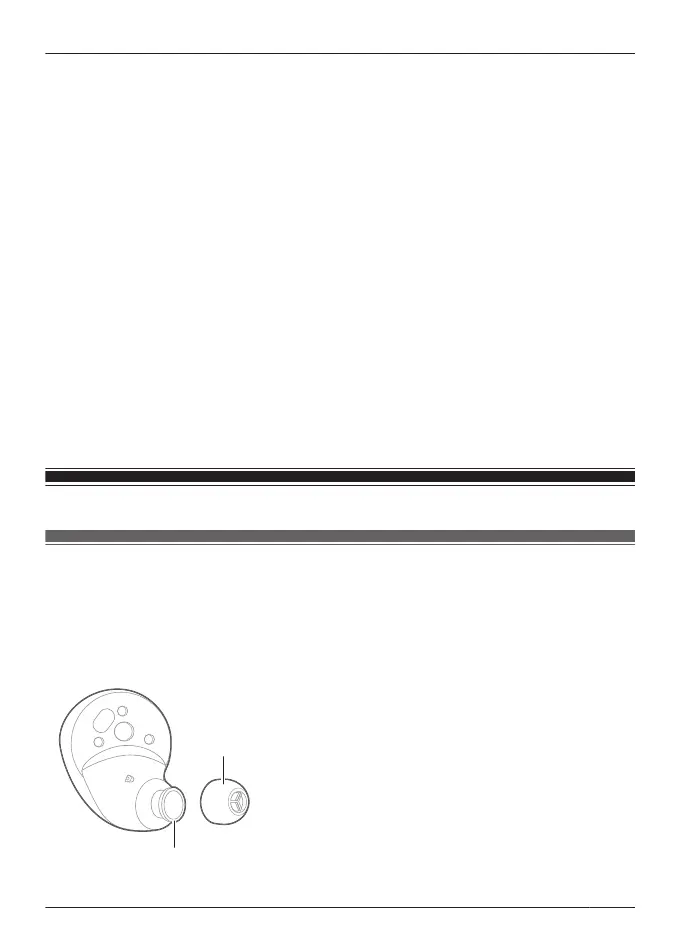
R Remove the earpieces from the earphones and remove any earwax or dust. (Do not touch the
protective mesh because it affects the audio characteristics.)
The illustrations use EAH-AZ60M2 as an example.
For the EAH-AZ100
“Removing the earpiece”, Page 32
75
FAQ



 To Next Page