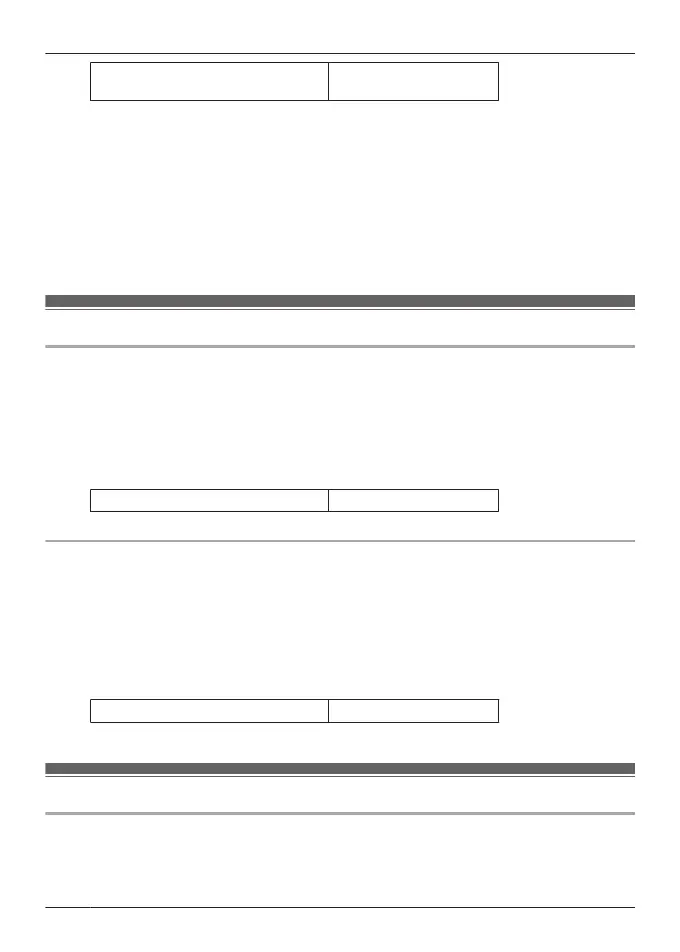
Charging the earphones and
charging cradle at the same time
About 3.0 hours
Note:
R You cannot turn on the earphones or connect them to a Bluetooth
®
device when they are
charging in the charging cradle.
R You can charge using a separately sold AC adapter.
Recommended AC adapter specifications
Supports PD (Power Delivery)
DC 5 V (500 mA or higher)
USB Type-C port
We do not guarantee that all AC adapters can be used for charging.
Charge only the charging cradle
EAH-AZ100
To charge only the charging cradle, charge without putting in the earphones.
1 Use the included USB charging cord to connect the charging cradle to a separately sold
USB PD supported AC adapter (USB Type-C).
R The LED of the charging cradle flashes (red, yellow, or green), and charging starts.
R Charging for the charging cradle is complete when the LED turns off.
R Charging time (the time from empty to full charge)
Charging only the charging cradle About 2.5 hours
EAH-AZ80/EAH-AZ60M2/EAH-AZ40M2
To charge only the charging cradle, charge without putting in the earphones.
1 Use the included USB charging cord to connect the charging cradle to a separately sold
USB PD supported AC adapter (USB Type-C).
R The charging cradle status indicator LED flashes (red, yellow, or green), and charging
starts.
R Charging is complete when the charging cradle status indicator LED turns off.
R Charging time (the time from empty to full charge)
Charging only the charging cradle About 2.5 hours
Charge only the earphones
EAH-AZ100
You can charge the earphones with the charging cradle if it is sufficiently charged, even when
there is no power supply nearby.
26
Let’s Get Started



 To Next Page