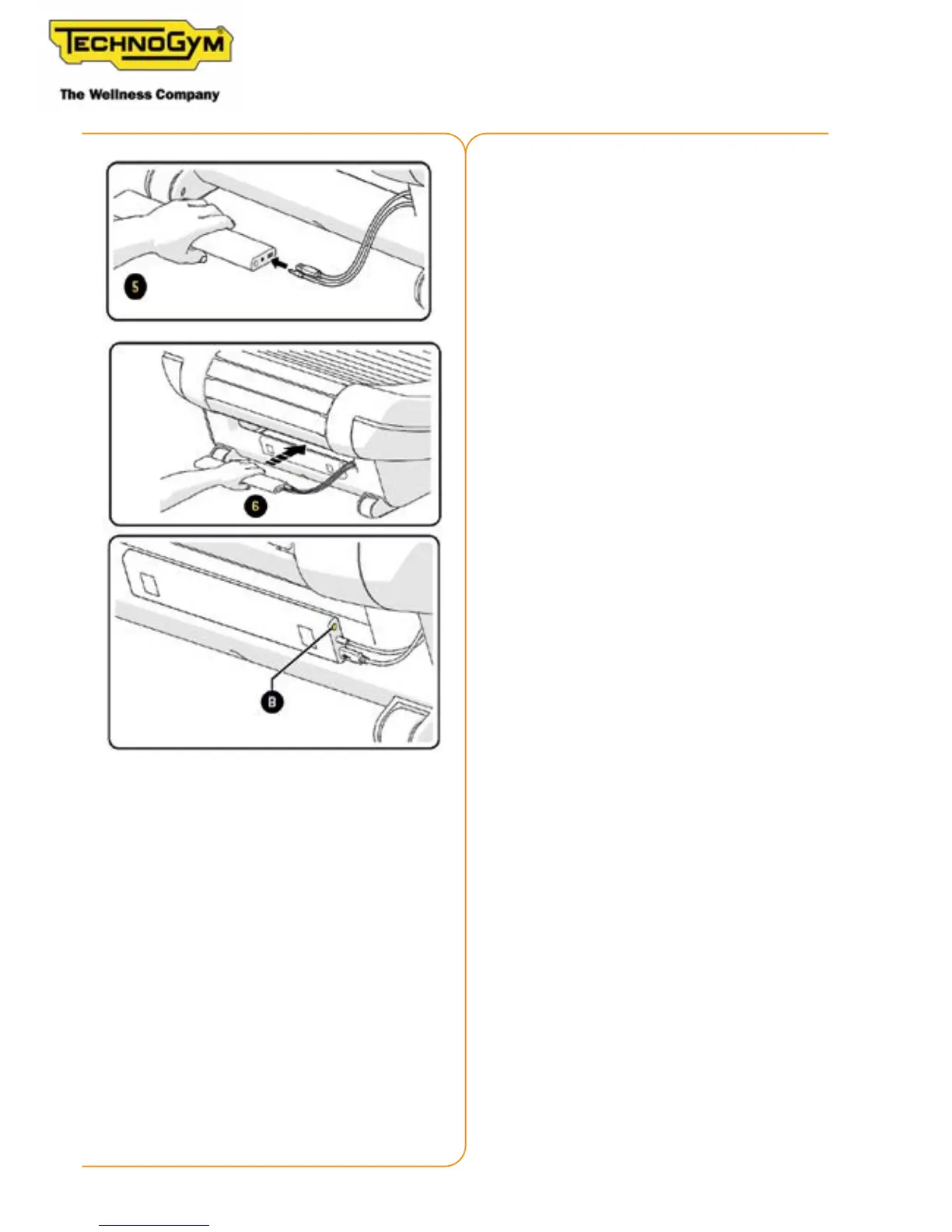
5-Disconnect the power supply and connect the
baery to the two equipment connectors;
6-Insert the baery in its housing;
If, even after recharging, the display does not
turn on, press the buon (B).
If the baery is not used for a long period of
time, check that the display is on and press the
buon (B); or disconnect the baery.
To reactivate the baery, recharge it completely.
Function of the buon (B):
•
•












 To Next Page