TSA-200 / TSA-200XT / TSA-240 / TSA-240XT
© 2010 – 2014 Telefire Fire & Gas Detectors Ltd Revision 1.06 July 2014
Page 42 of 79
13 Display
13.1 General Display Area
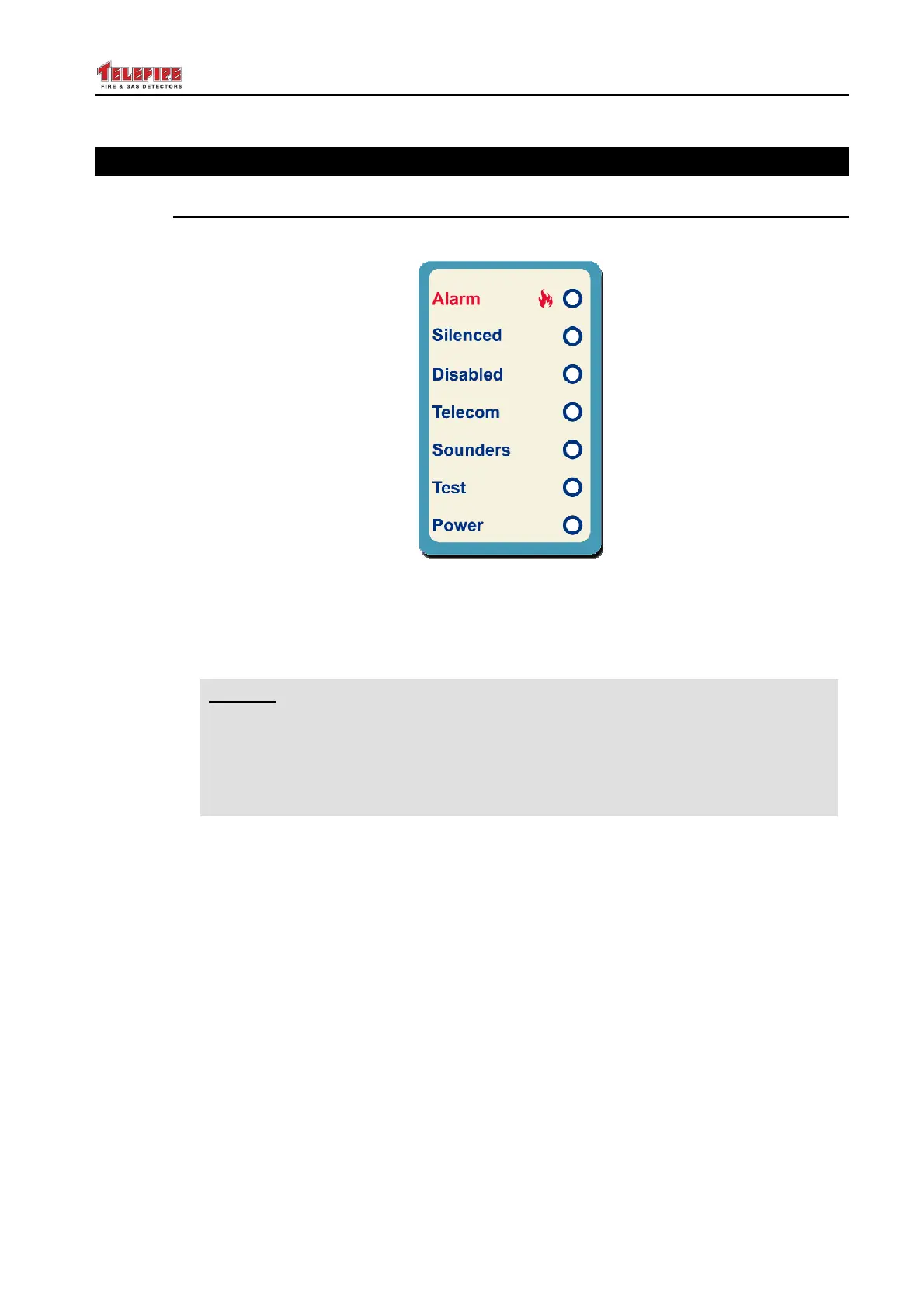
The general display area is shown and explained below.
Figure 18 General Display Area
13.1.1 Acknowledge of an Indication
i
Note
The Display Logic of the TSA-200 product family is that of UL 864, where
most events are indicated by flashing indicators, changing to ON (steady)
indication when acknowledged. This is explained in the text below.
If a 12094 certified CIE/CDE (Extinguishing Control Panel) is required, please
consult Telefire LTD about the TSA-200X and other products.
With the TSA-200, some events cause the relevant LED to flash, and some cause the
relevant LED to switch ON.
The flashing LEDs indications require an acknowledgement.
Pressing the "Ack/Buzzer OFF" key causes the "Password" LED to flash quickly. (This is
done to request the user to enter the operator's password, default value 1111.).
Entering the correct password causes the LED to switch ON (i.e. stop flashing), and
silences the buzzer.
The same procedure is used for most events where an indication LED flashes.



 To Next Page