TSA-200 / TSA-200XT / TSA-240 / TSA-240XT
© 2010 – 2014 Telefire Fire & Gas Detectors Ltd Revision 1.06 July 2014
Page 45 of 79
LED Its Color and Function
Password
Yellow LED.
• Flashes quickly to indicate that a password is required.
• ON after correct password is keyed in.
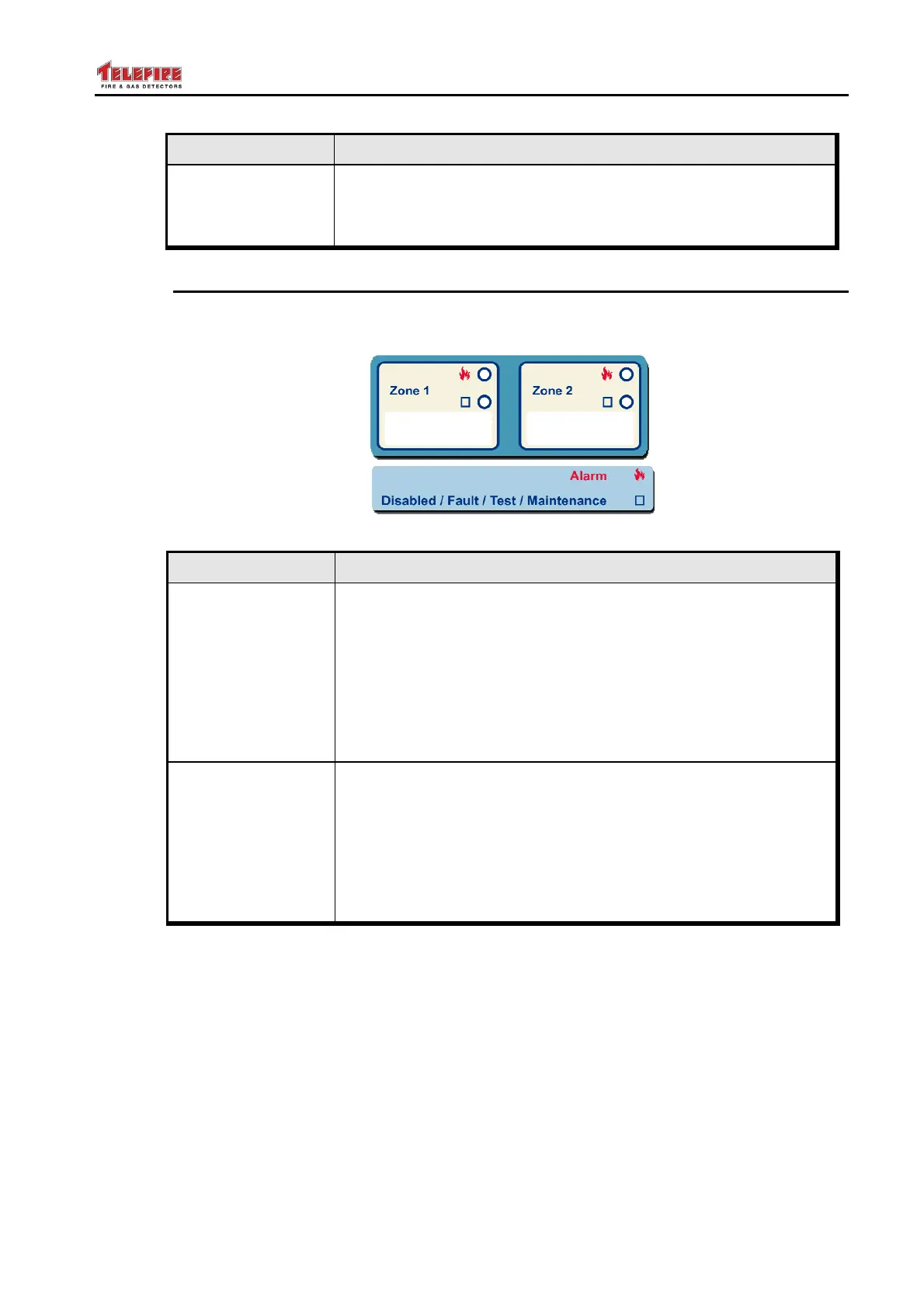
13.4 Zone Indicators
Each zone has 2 LEDs in the zone indication area that inform the user that there is an
Alarm or a Disabled/Fault/Test/Maintenance event in that zone.
Figure 21 Zone Indicators
LED Its Color and Function
Alarm
Red LED.
• Flashes to indicate an Alarm in that zone. (The general
Alarm LED flashes also). Pressing Ack/Buzzer Off and
entering the operator's password switches the LED (and the
general Alarm LED) ON steadily and silences the internal
buzzer.
• Flashes with short on periods if the zone is triggered and is
in the alarm delay/alarm confirmation period
Fault / Disabled /
Test
Yellow LED
• Flashes when the zone is in fault until pressing the
Ack/Buzzer OFF key. Pressing the Ack/Buzzer Off key
and entering the password stops the LED flashing, and
switches it ON until fault resolution.
• ON when the zone is in the Supervisory, Disabled or Test
condition.



 To Next Page