TSA-200 / TSA-200XT / TSA-240 / TSA-240XT
© 2010 – 2014 Telefire Fire & Gas Detectors Ltd Revision 1.06 July 2014
Page 46 of 79
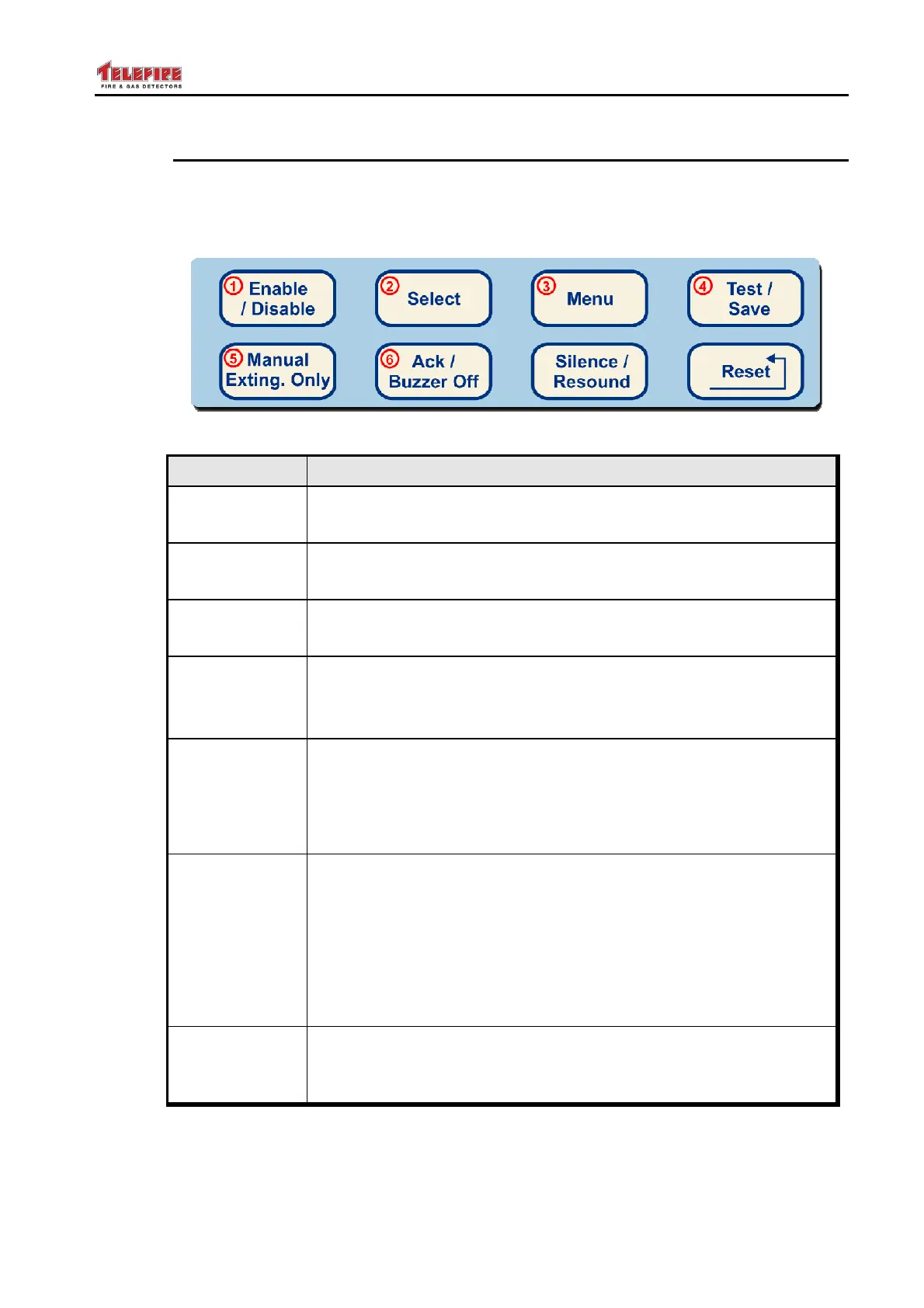
13.5 Keyboard
The keyboard has 8 keys. The table below explains the function of each key.
Some keys are dual function, and are used to enter numeric values.
The dual function keys are those with circled red numbers.
Figure 22 Keyboard
Key Function
Enable /
Disable
• Enables or disables an input or output
• Enters the numeric value "1"
Select
• Allows to change the options in the selected field
• Enters the numeric value "2"
Menu
• Enter programming mode
• Enter the numeric value "3"
Test / Save
• Used for Lamp Test
• Used to save programming options in permanent memory
• Used to enter the numeric value "4"
Manual Exting.
Only
• Allows the selection of extinguishing activation mode,
(automatic &manual, or manual only), which is not supported in
the TSA-200 / TSA-240, but is supported in the TSA-200XT
and TSA-240XT
• Used to enter the numeric value "5"
Ack / Buzzer
Off /
• Purpose: Acknowledge/ Buzzer Off
• Used for silencing the internal buzzer
• Acknowledges a new event. Pressing this key and entering the
Operator's password stops the LED flashing (flashing indicates
a new events) and switches it ON
• Used for computer printing
• Used o enter the numeric value "6"
Silence /
Resound
• Used for silencing the Fire Alarm horns. Devices connected to
the Horn output are switched OFF.
• A long press will re-sound the output



 To Next Page