TSA-200 / TSA-200XT / TSA-240 / TSA-240XT
© 2010 – 2014 Telefire Fire & Gas Detectors Ltd Revision 1.06 July 2014
Page 43 of 79
LED Its Color and Function
Alarm Red LED. Flashes during alarm. Pressing the Ack/ Buzzer
OFF key, causes the 'Password" LED to flash quickly, and then
after keying-in the Operator's password switches the LED ON
steadily and silences the internal buzzer.
Silenced
Yellow LED. Flashes during alarm when the horn is silenced.
Disabled
Yellow LED. ON when one or more of the inputs or outputs is
disabled.
Telecom
Red LED. ON when the fire alarm dialer was activated
Sounders
Red LED. ON when the Fire Alarm Sounder(s) (Horn) are
activated. (Off when not activated or silenced).
Test
Yellow LED. ON when the CP is in the "Test" mode.
Power
Green LED. Indicates the presence of the two input power
sources, AC mains power and battery power.
• ON with short OFF pulses when the mains AC and the
battery power are both OK.
• Flashes quickly when there is no main power.
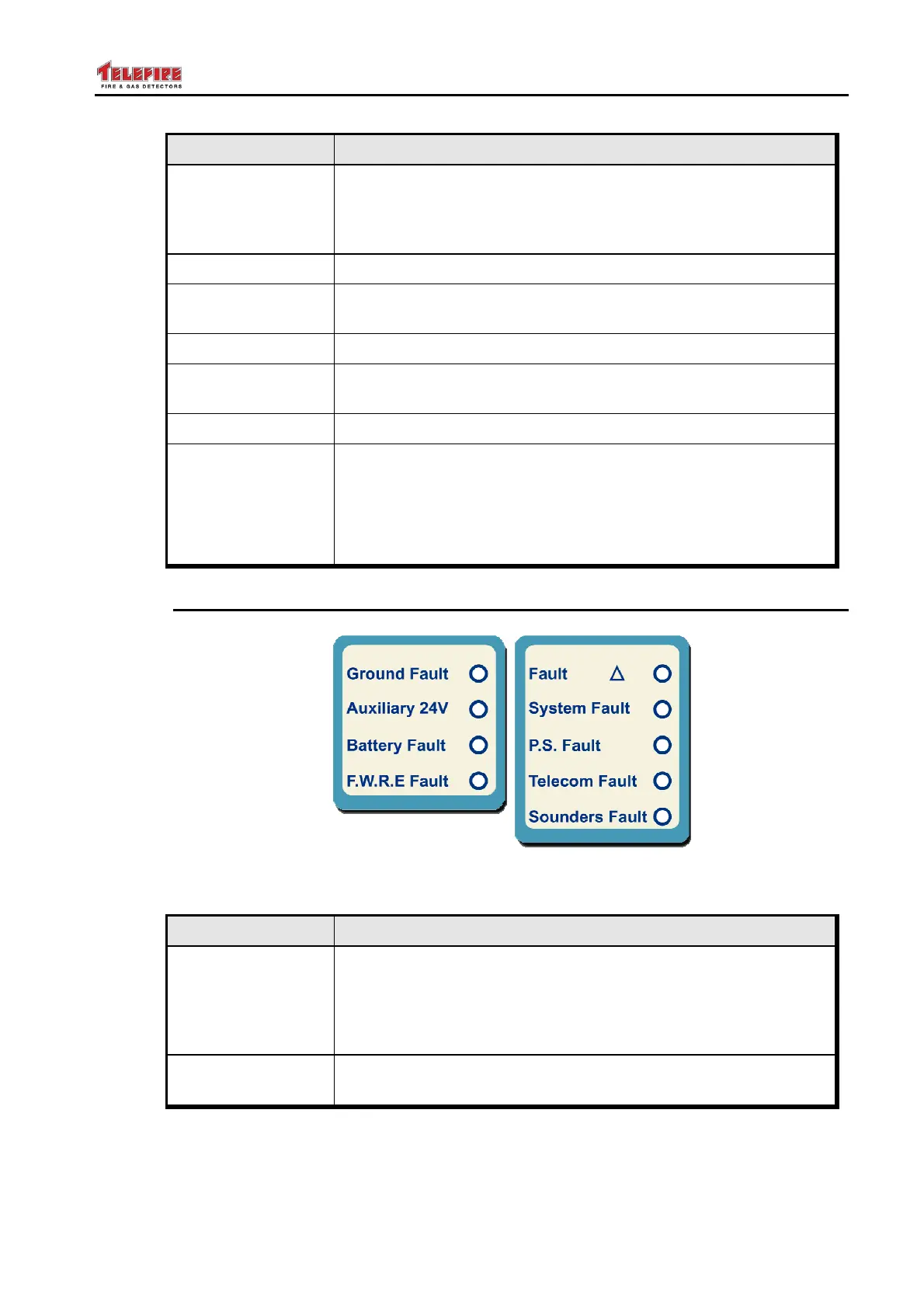
13.2 Fault Display Area
Figure 19 Fault Display Area
LED Its Color and Function
Fault
Yellow LED. Flashes to indicate a general fault in the CIE/ECD.
The specific zone or device fault LED also flashes. Pressing
Ack/Buzzer Off and entering the Operator's password switches
the General Fault LED and the specific Fault LED ON steadily,
and silences the buzzer.
System Fault
Yellow LED. Flashes every 1.6 seconds to Indicates a system
fault, such as hung processor.



 To Next Page