TSA-200 / TSA-200XT / TSA-240 / TSA-240XT
© 2010 – 2014 Telefire Fire & Gas Detectors Ltd Revision 1.06 July 2014
Page 44 of 79
LED Its Color and Function
P.S. Fault
Yellow LED. Flashes to indicate a power supply fault or loss of
AC input power. Pressing Ack/Buzzer Off and entering the
operator's password switches the LED (and the general fault
LED) ON steadily and silences the buzzer.
Telecom Fault
Yellow LED. Flashes to indicate an Alarm Dialer (FARE) fault.
Pressing Ack/Buzzer Off and entering the operator's password
switches the LED (and the general fault LED) ON steadily and
silences the buzzer.
Sounders Fault
Yellow LED. Flashes to indicate an Alarm Sounder (Horn) fault.
Pressing Ack/Buzzer Off and entering the operator's password
switches the LED (and the general fault LED) ON steadily and
silences the buzzer.
Ground Fault
Yellow LED. Flashes to indicate a ground fault. Pressing
Ack/Buzzer Off and entering the operator's password switches
the LED (and the general fault LED) ON steadily and silences
the buzzer.
Auxiliary 24V
Yellow LED. Flashes to indicate an Auxiliary 24V or Auxiliary
24V_Resettable fault. Pressing Ack/Buzzer Off and entering
the operator's password switches the LED (and the General
Fault LED) ON steadily and silences the buzzer.
Battery Fault
Yellow LED. Flashes to indicate battery fault. Pressing
Ack/Buzzer Off and entering the operator's password switches
the LED (and the General Fault LED) ON steadily and silences
the buzzer.
F.W.R.E Fault
Yellow LED. Flashes to indicate a FWRE (Fault Dialer) fault.
Pressing Ack/Buzzer Off and entering the operator's password
switches the LED (and the general fault LED) ON steadily and
silences the buzzer.
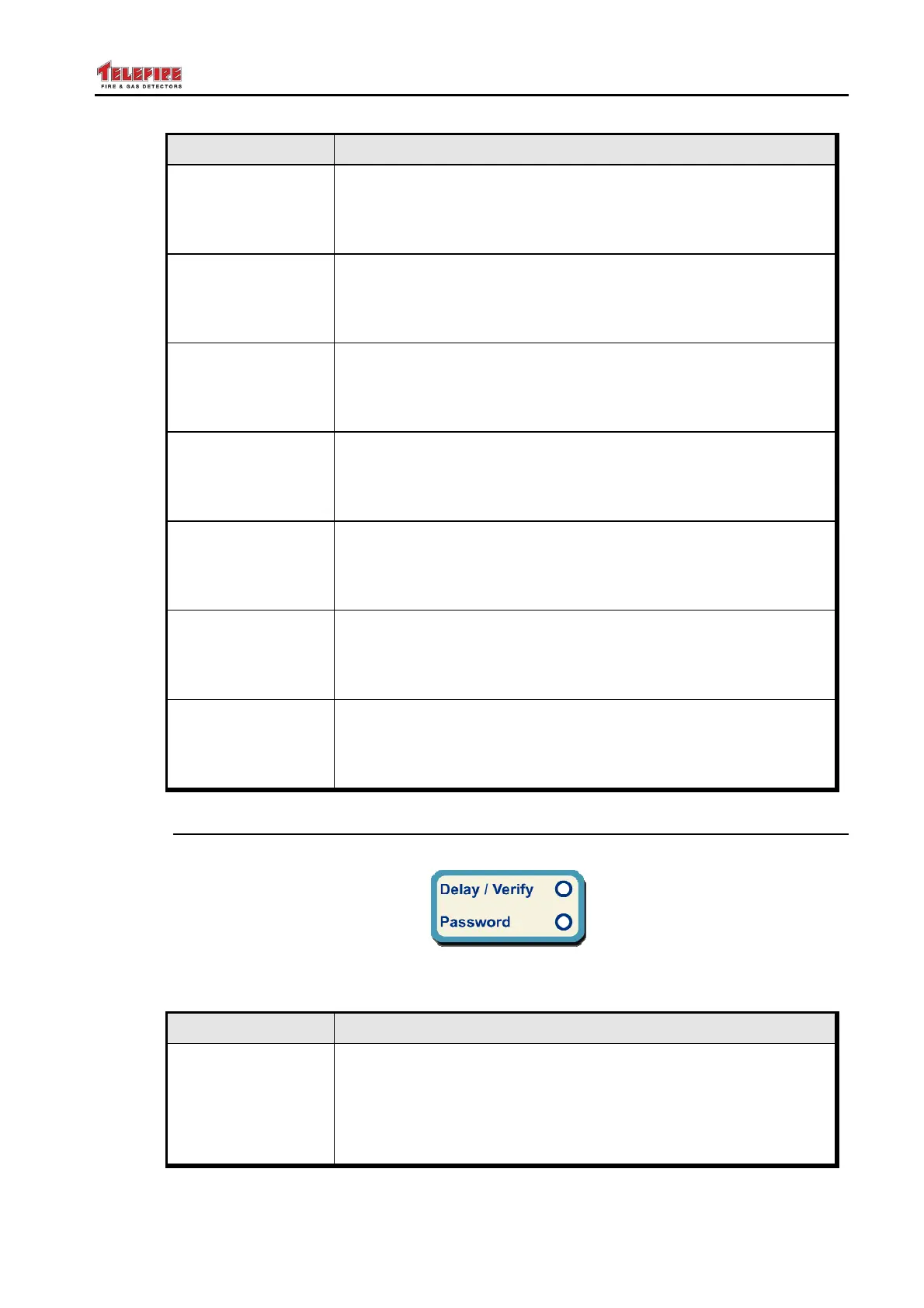
13.3 Miscellaneous Display Area
Figure 20 Miscellaneous Display Area
LED Its Color and Function
Delay/Verify
Yellow LED.
• Flashes when one of the zones, which is configured for
alarm verification, is triggered and is in the alarm delay or
alarm confirmation period.
• Flashes during the extinguishing delay



 To Next Page