Appendix A: Functions and Instructions 249
subMat() CATALOG
subMat(
matrix1
[,
startRow
] [,
startCol
] [,
endRow
]
[,
endCol
]) ⇒
matrix
Returns the specified submatrix of
matrix1
.
Defaults:
startRow
=1,
startCol
=1,
endRow
=last
row,
endCol
=last column.
[1,2,3;4,5,6;7,8,9]! m1 ¸
1 2 3
4 5 6
7 8 9
subMat(m1,2,1,3,2)
¸
[
4 5
7 8
]
subMat(m1,2,2) ¸
[
5 6
8 9
]
Sum (Sigma) See G(), page 273.
sum() MATH/List menu
sum(
list
[
, start
[
, end
]]) ⇒
expression
Returns the sum of the elements in
list
.
Start
and
end
are optional. They specify a range of
elements.
sum({1,2,3,4,5}) ¸ 15
sum({a,2a,3a}) ¸ 6ø a
sum(seq(n,n,1,10)) ¸ 55
sum({1,3,5,7,9},3) ¸ 21
sum(
matrix1
[
, start
[
, end
]]) ⇒
matrix
Returns a row vector containing the sums of the
elements in the columns in
matrix1
.
Start
and
end
are optional. They specify a range of
rows.
sum([1,2,3;4,5,6]) ¸[5 7 9]
sum([1,2,3;4,5,6;7,8,9])
¸
[12 15 18]
sum([1,2,3;4,5,6;7,8,9],2,3)
¸
[11,13,15]
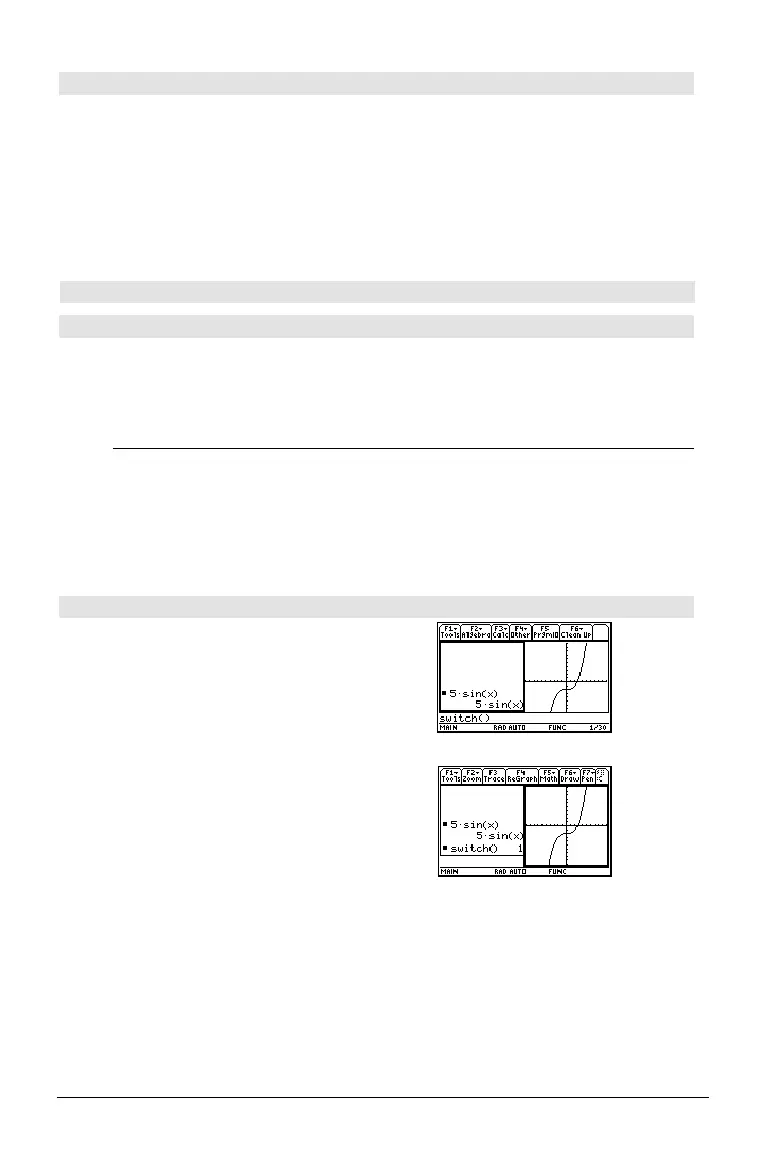
switch() CATALOG
switch([
integer1
]) ⇒
integer
Returns the number of the active window. Also
can set the active window.
Note:
Window 1 is left or top; Window 2 is right
or bottom.
If
integer1
= 0, returns the active window number.
If
integer1
= 1, activates window 1 and returns
the previously active window number.
If
integer1
= 2, activates window 2 and returns
the previously active window number.
If
integer1
is omitted, switches windows and
returns the previously active window number.
integer1
is ignored if the
TI-89 Titanium/Voyage™ 200 is not displaying a
split screen.
switch() ¸



 To Next Page
 Loading...












