Appendix A: Functions and Instructions 265
ZoomStd CATALOG
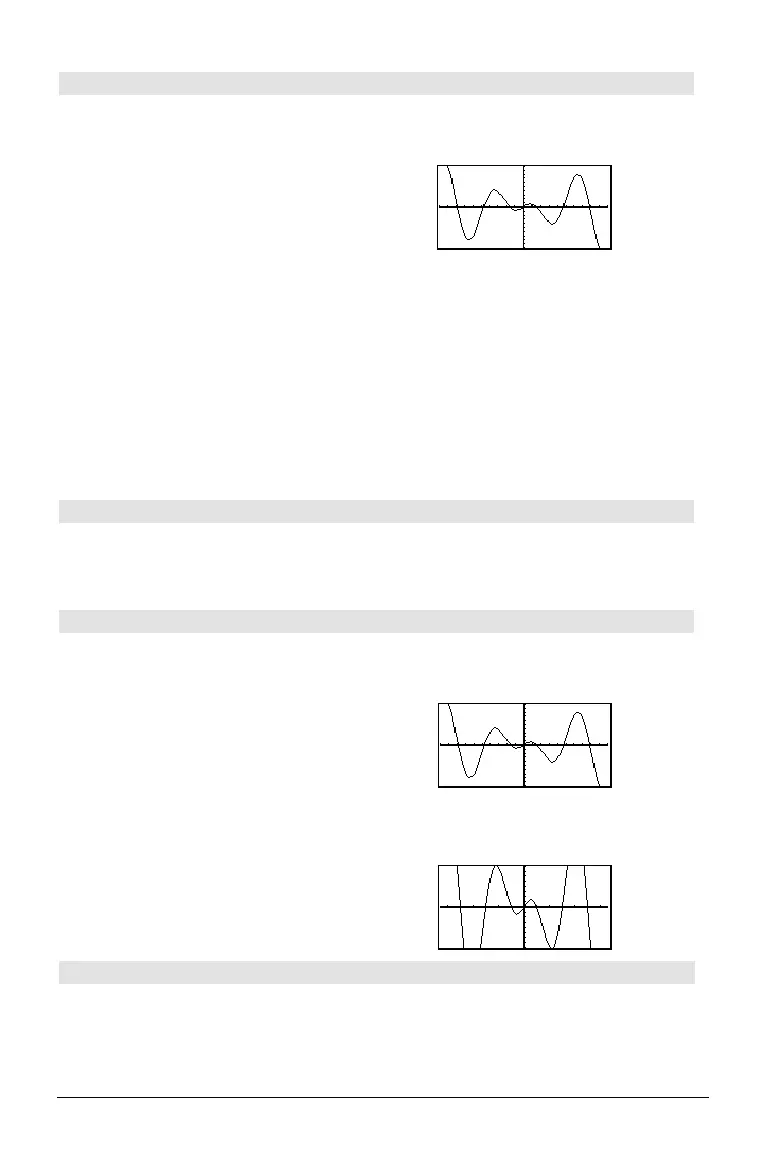
ZoomStd
Sets the window variables to the following
standard values, and then updates the viewing
window.
Function graphing:
x: [ë 10, 10, 1], y: [ë 10, 10, 1] and xres=2
Parametric graphing:
t: [0, 2p, p/24], x: [ë 10, 10, 1], y:[ë 10, 10, 1]
Polar graphing:
q: [0, 2p, p/24], x: [ë 10, 10, 1], y: [ë 10, 10, 1]
Sequence graphing:
nmin=1, nmax=10, plotStrt=1, plotStep=1,
x: [ë 10, 10, 1], y: [ë 10, 10, 1]
3D graphing:
eyeq°=20, eyef°=70, eyeψ°=0
x: [ë 10, 10, 14], y: [ë 10, 10, 14],
z: [ë 10, 10], ncontour=5
Differential equations graphing:
t: [0, 10, .1, 0], x: [ë 1, 10, 1], y: [ë 10, 10, 1],
ncurves=0, Estep=1, diftol=.001, fldres=14,
dtime=0
In function graphing mode:
1.25xù cos(x)! y1(x) ¸ Done
ZoomStd
¸
ZoomSto CATALOG
ZoomSto
Stores the current Window settings in the Zoom
memory. You can use ZoomRcl to restore the
settings.
ZoomTrig CATALOG
ZoomTrig
Displays the Graph screen, sets @x to p/24, and
xscl to p/2, centers the origin, sets the y settings
to
[ë 4, 4, .5], and updates the viewing window.
In function graphing mode:
1.25xù cos(x)! y1(x) ¸ Done
ZoomStd
¸
@ "
H ¥ "
ZoomTrig ¸
+ (add) « key
expression1
+
expression2
⇒
expression
Returns the sum of
expression1
and
expression2
.
56 ¸ 56
ans(1)+4
¸ 60
ans(1)+4
¸ 64
ans(1)+4
¸ 68
ans(1)+4
¸ 72



 To Next Page
 Loading...












