● Operation of the GP-IB has been verified by using a GP-IB board manufactured by National Instruments.
A sample program is available on our website.
No operation problems occurred when using a GP-IB that satisfies the IEEE488 specifications. For details
about programming GP-IB, see the instruction manual for the interface being used, or the manual for the
sample program.
● LF (0x0A) and EOI are applied to set the delimiter.
Be sure to output the delimiter after outputting the commands and parameters.
Note that CR (0x0D) will be ignored. Be careful not to enter the wrong letters.
● At least half of the devices to which the GP-IB is connected must be powered on.
Turn on the power of all the devices.
● Two addresses are required for the address setting of the PDS-A power supply unit: the system address and PC
address.
Make sure to specify "1" as the system address for the PDS-A unit connected to the PC.
● The GP-IB complies with the IEEE488-1978 specifications.
Interface actions are SH1, AH1, T6, TE0, L3, LE0, SR0, RL1, PP0, DC0, DT0, and C0.
11-1-8. USB connection
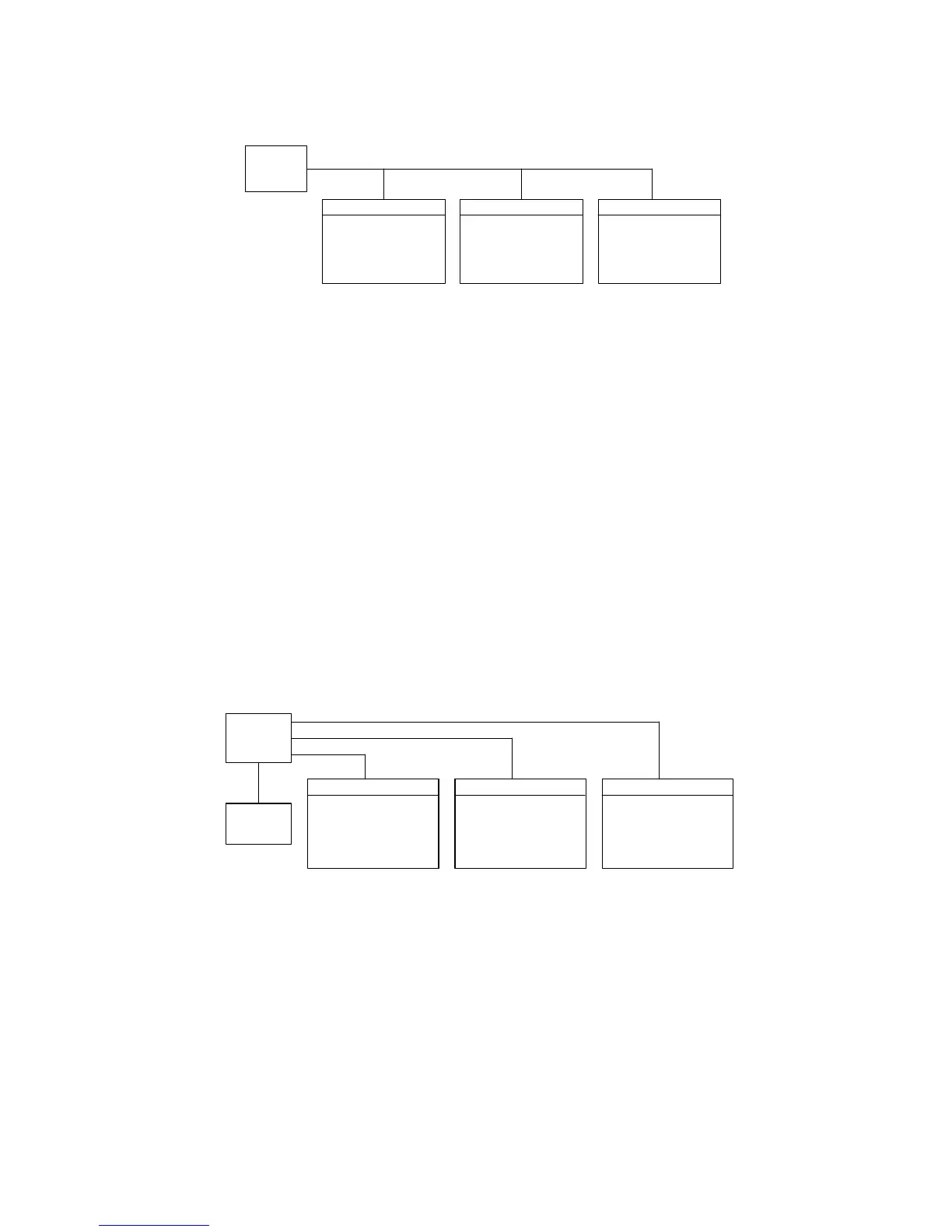
The following chart shows the wiring for when the USB is used to connect IF-71LU to a PC:
● PDS-A units support USB2.0 full speed. The USB ports on a PC can be used.
● The dedicated device driver and API provided by us need to be installed and configured on your PC. Visit our
website to download the device driver and API.
◆ For details about the required PC environment and operation procedures, see the API instruction manual.
It does not support USBTMC.
● This device driver does not support the suspension or sleep modes from the PC side.
● The environment in which a USB is used is extremely susceptible to external noise, which may cause the USB
to malfunction. Install the USB in manner that minimizes the effect of noise on the communication pathway,
and make sure to implement countermeasures against noise.
● When a PDS-A series unit is used with a USB, two addresses are required for the address setting: the system
address and PC address. Make sure to specify "1" as the system address for the PDS-A unit connected to the
PC.



 To Next Page