The PC address is used to identify the device when DHCP or Auto IP is selected. When the IP address is a
fixed IP, there is no need to configure the PC address.
● For details about configuring an automatic IP address or COM redirector, see the corresponding section in the
operation manual. You can download the operation manual from our company's website.
11-1-11. Local bus connection
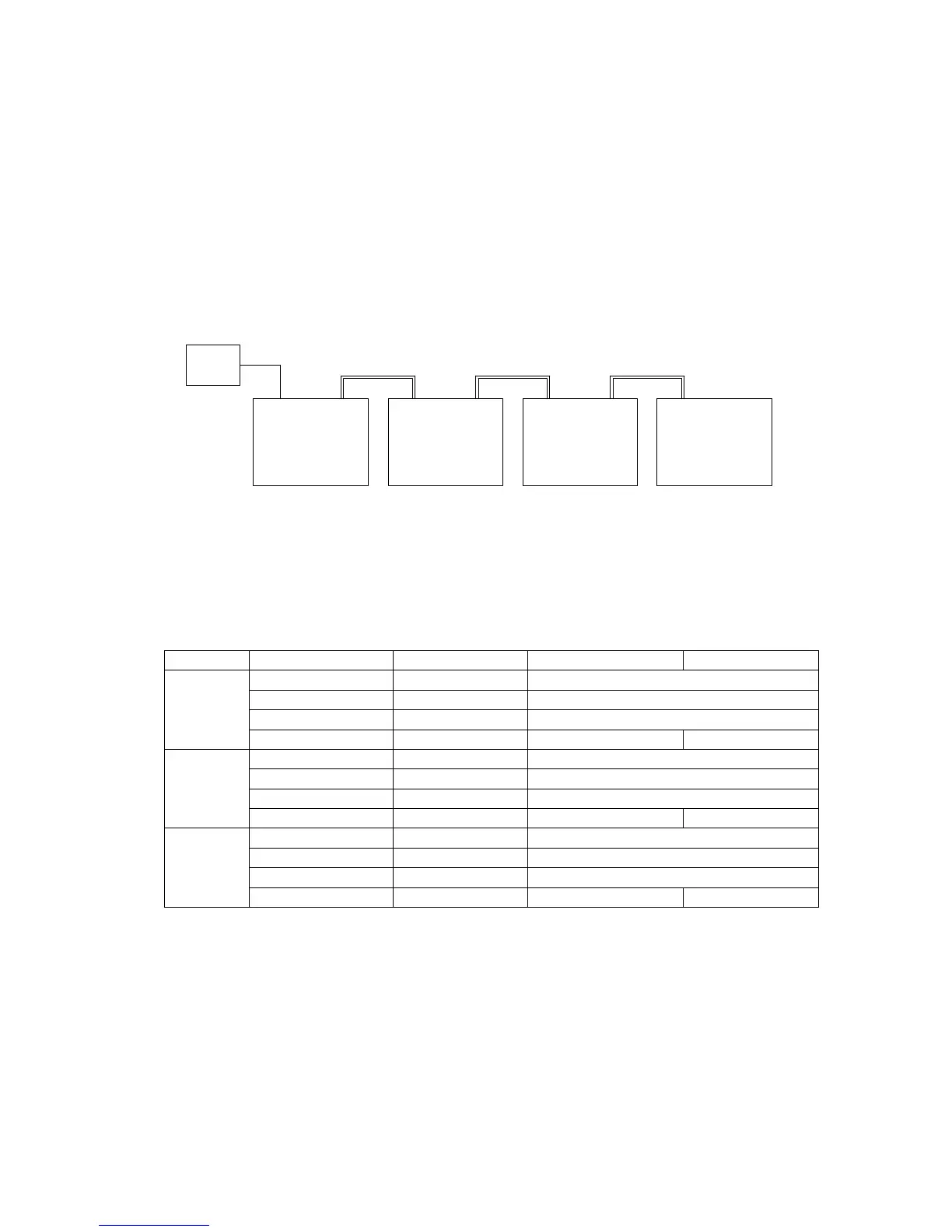
In a local bus connection, the master PDS-A power supply unit used to communicate with the PC can control up to 30
slave PDS-A power supply units connected (in cascade arrangement) to the master unit via a dedicated modular
cable.
The use of RS-485 signals in a local bus connection makes it possible to extend the distance between devices.
However, in order to ensure stable control, the lengths of the cables used should be kept as short as possible.
When specifying slave units, use the ADRS command to specify the system address number.
For the interface setting of the slave unit IF-70GU, the available values are USB or GP-IB.
An IF-70RS configured for RS-232C communication can be used as an interface for slave units.
Only the terminators at each end of the local bus should be on. The other terminators should be off.
In the figure above, the terminators for system addresses 1 and 4 are set to "ON". The rest are set to "OFF".



 To Next Page