THERA-Trainer tigo / THERA-Trainer veho - User manual
52
Art. No.: A002-629_Rev 06
Last update: CW19/2018
14 USING CONTROL AND DISPLAY UNITS 5.7" / 7" / 10.4"
Note All information in this chapter is more information for the therapist.
Information on basic operation is contained in the user section.
14.1 Sub menu
The software of the control and display unit with 5.7'', 7" or 10.4'' colour screen
has a sub menu that enables the setting of several parameters to adapt the
THERA-Trainer to the user's individual needs.
Calling up the sub menu
Press STOP button and button simultaneously.
Software switches to sub menu.
Activate sub menu button for quick access in sub menu Basic settings/
Configuration .
Navigation in sub menu
Areas in the sub menu (optional after control and display unit, see chapter 11.3
Training programmes table):
Neuro
Ortho
Cardio
Isokinetic
Keeper
Hedgehog
Car
Planet
Group therapy
THERA-soft
System
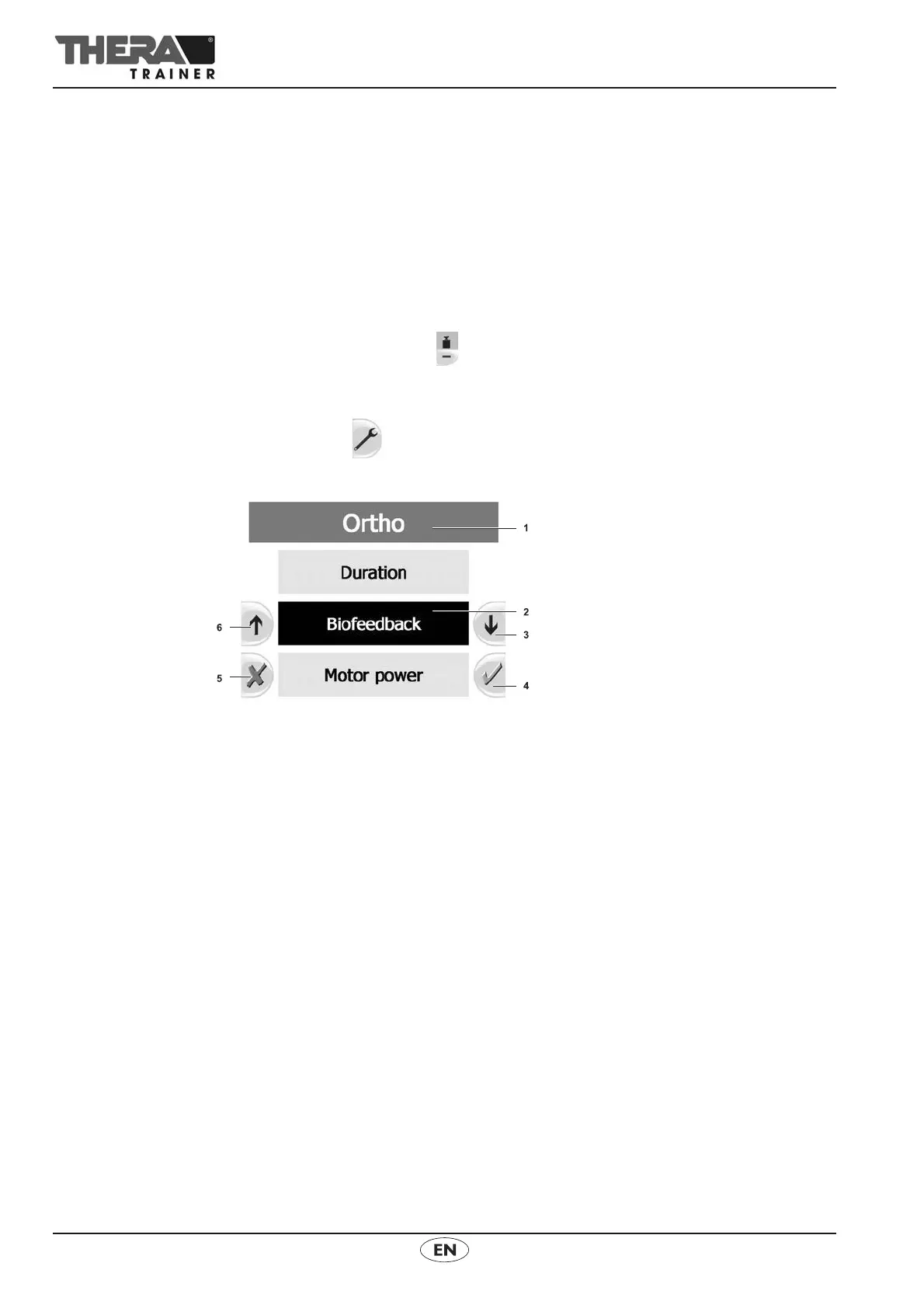
1. Current section in sub menu
2. Current selection
3. Down/reduce
Move down in direction of arrow.
In menu items where a value is entered (e.g. motor power), the value entered
will reduce.
4. Save/confirm changes
Save settings.
In menu items with sub-items, go to next menu item.
5. Cancel/reject changes
Go one level up.



 To Next Page