© 2016 THINKWARE. All rights reserved.
Confidential Restricted
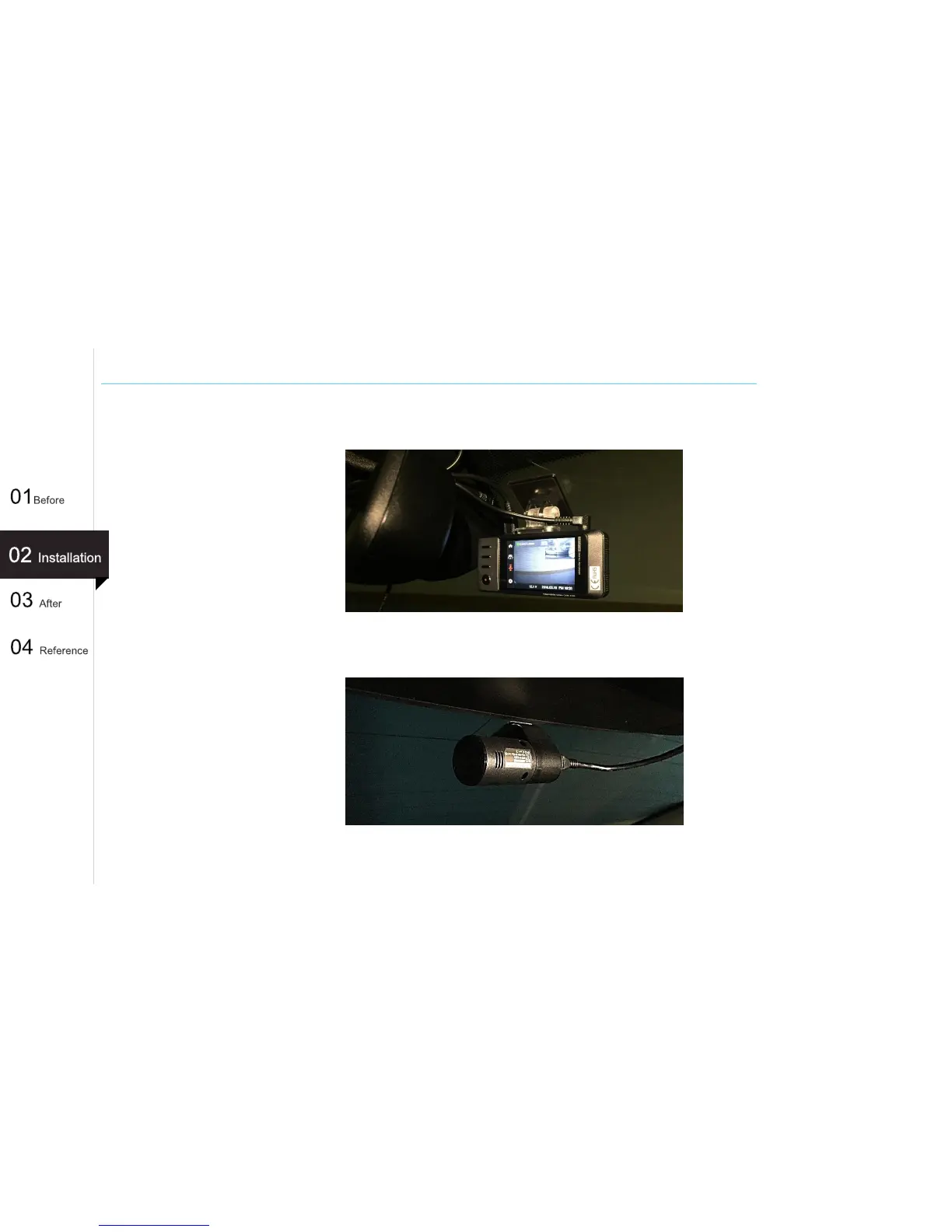
Testing operation of rear camera (LCD Type)
1. When connecting the rear camera, main unit will sound the voice guidance and reboot.
Ensure the rear view on the screen. (“Rear view camera connected, system restarting.”)
2. From outside the vehicle, ensure the rear camera's LED is lit. Also when you see the rear
camera in the vehicle, lens of rear camera should be located on your left side.
3. Using the recorded video on the PC viewer, check that everything is ok.
31
(Ex : X500)



 To Next Page