© 2016 THINKWARE. All rights reserved.
Confidential Restricted
Remove the mounting of dash cam or rear camera
Symptoms Diagnosis and troubleshooting plans
Remove the mounting of
dash cam or rear camera
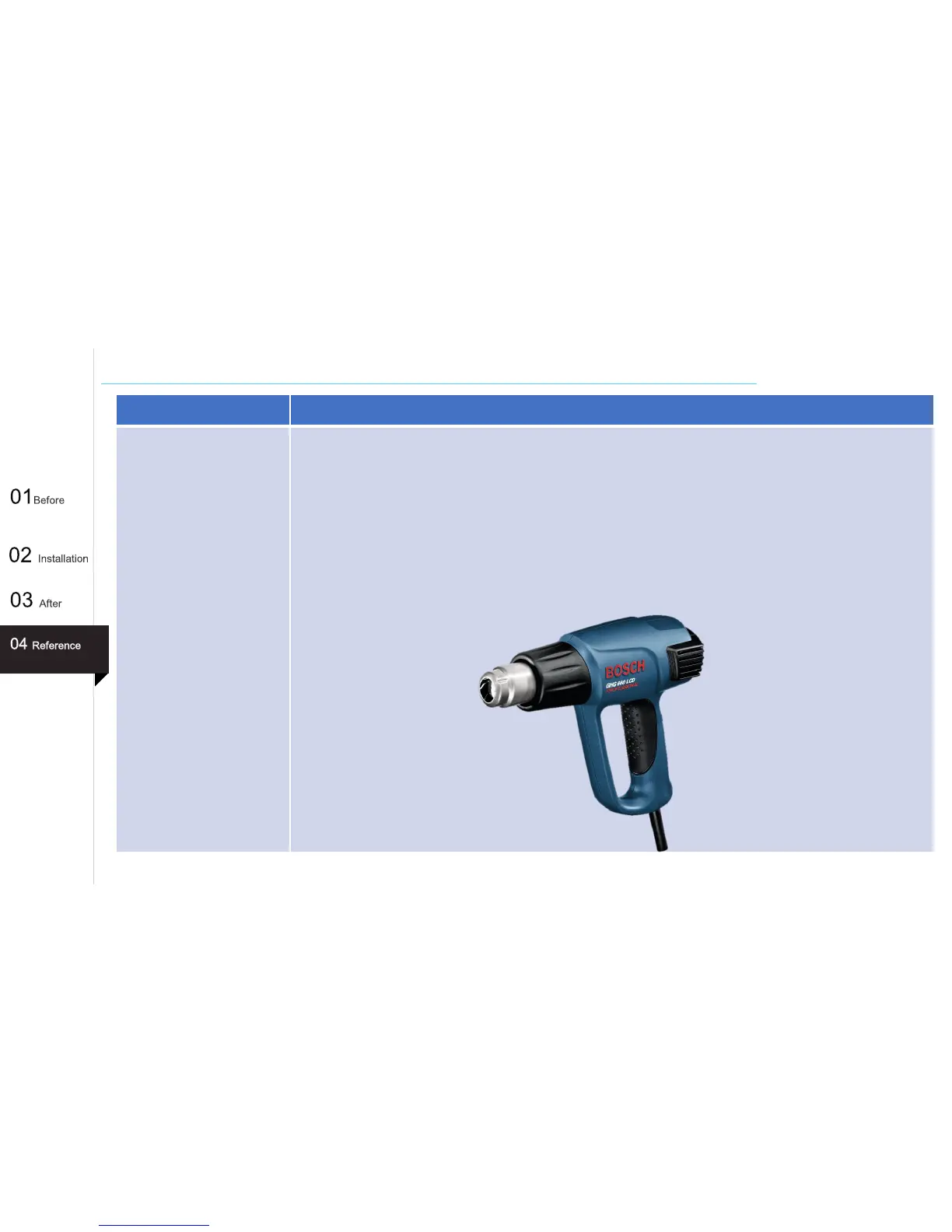
When you want to remove the mounting of dash cam or rear camera, use a heat gun. In that way you can
remove 3M tape easily and clearly(no sticky).
1. Activate heat gun heading towards 3M tape, outside of the windshield.
2. And then detach the mountings or rear camera.
3. But it can be difficult and danger to use for beginner, please read the instructions before use or receive
support from specialist.
4. After remove the mounting of dash cam or rear camera, 3M tape lost their adhesive strength. So you need to
get new 3M tape for reusing.
60



 To Next Page