© 2016 THINKWARE. All rights reserved.
Confidential Restricted
Window PC VIEWER SETTING (Initializing and saving the settings)
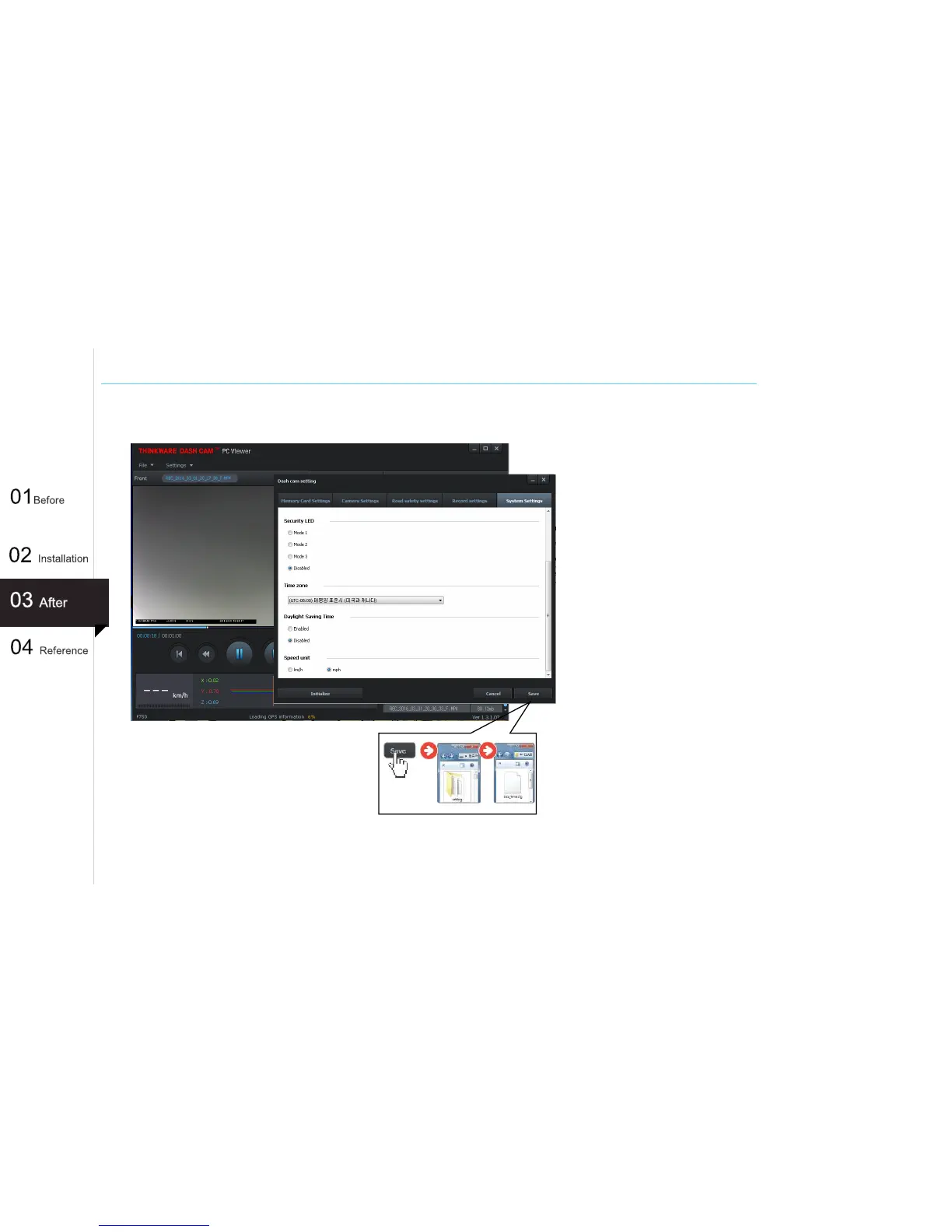
Apply and Save Settings
① Click Save after changing settings to
store the configuration information on
the microSD card.
② The setting file is stored on the microSD
card as setup.cfg under Setting folder.
③ Insert the microSD card into the dash
cam and turn on the device to apply
the settings.
[Caution]
Thinkware Dash Cam Viewer requires
setup.cfg file on the microSD card in order
to recognize the external drive as a dash
cam memory device. If setup.cfg is deleted
or corrupted, PC Viewer will not be able to
read videos or device settings on the
microSD card. In such case, insert the
microSD card back into the dash cam and
power on the device to reinitialize thus
creating a setup.cfg file with default
settings.
42
Initialize
: resets the device settings to default factory settings.



 To Next Page