© 2016 THINKWARE. All rights reserved.
Confidential Restricted
[X500 function]
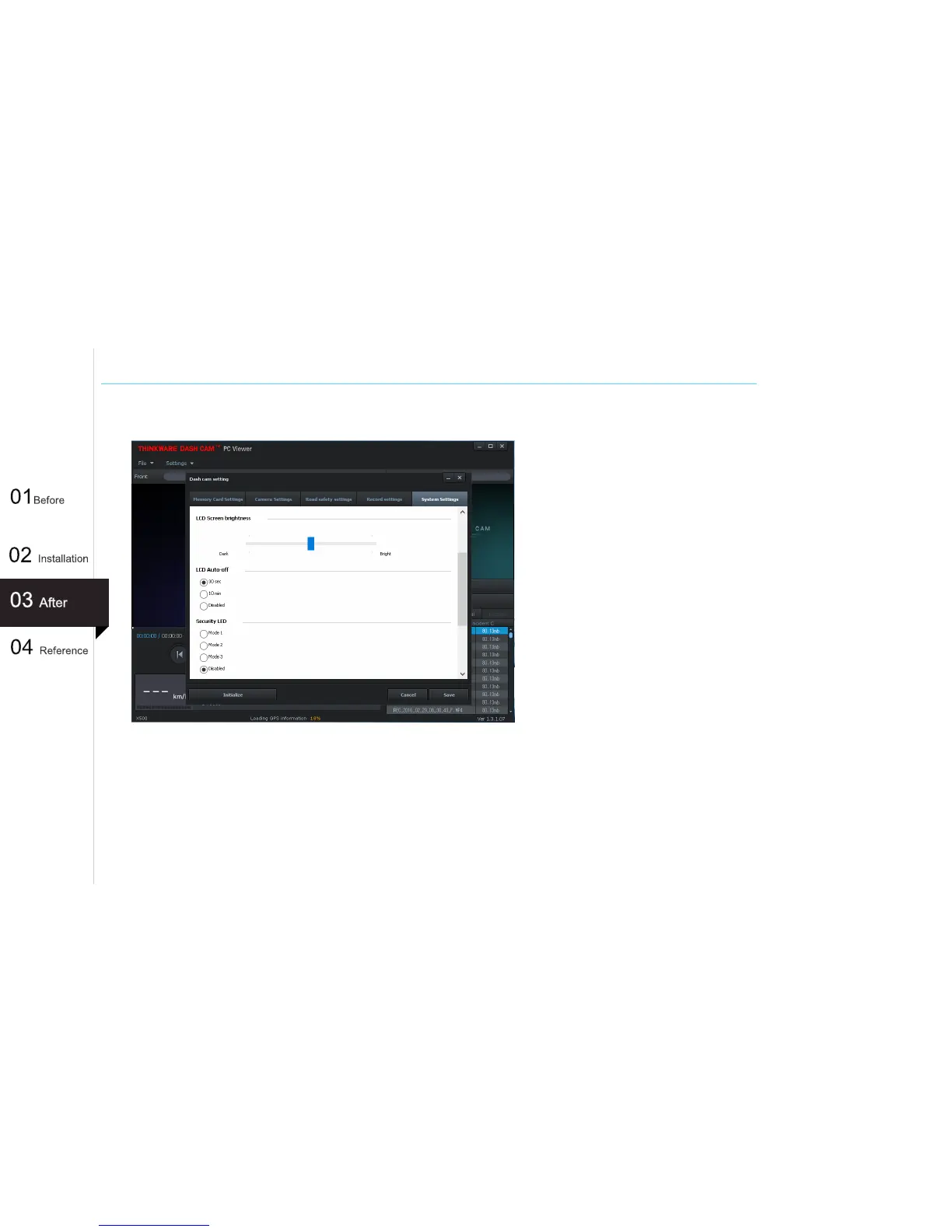
- LCD Brightness
: Sets the brightness of the LCD screen (0~2)
- LCD Auto-Off : Sets the time for LCD auto shut
off.
When LCD is off, pressing any
button will turn the LCD screen
back on
41
Window PC VIEWER SETTING (System Settings)
- Security LED : Sets the pattern of the Security LED which is used to visually alert other drivers
that the vehicle is equipped with functional dash cam.
Mode 1 (circular) : LED moves circular
Mode 2 (blinking) : The entire LED blinks.
Mode 3 (depends on recording mode) : LED depends on recording mode.
Disabled : Security LED is turned off (default).



 To Next Page