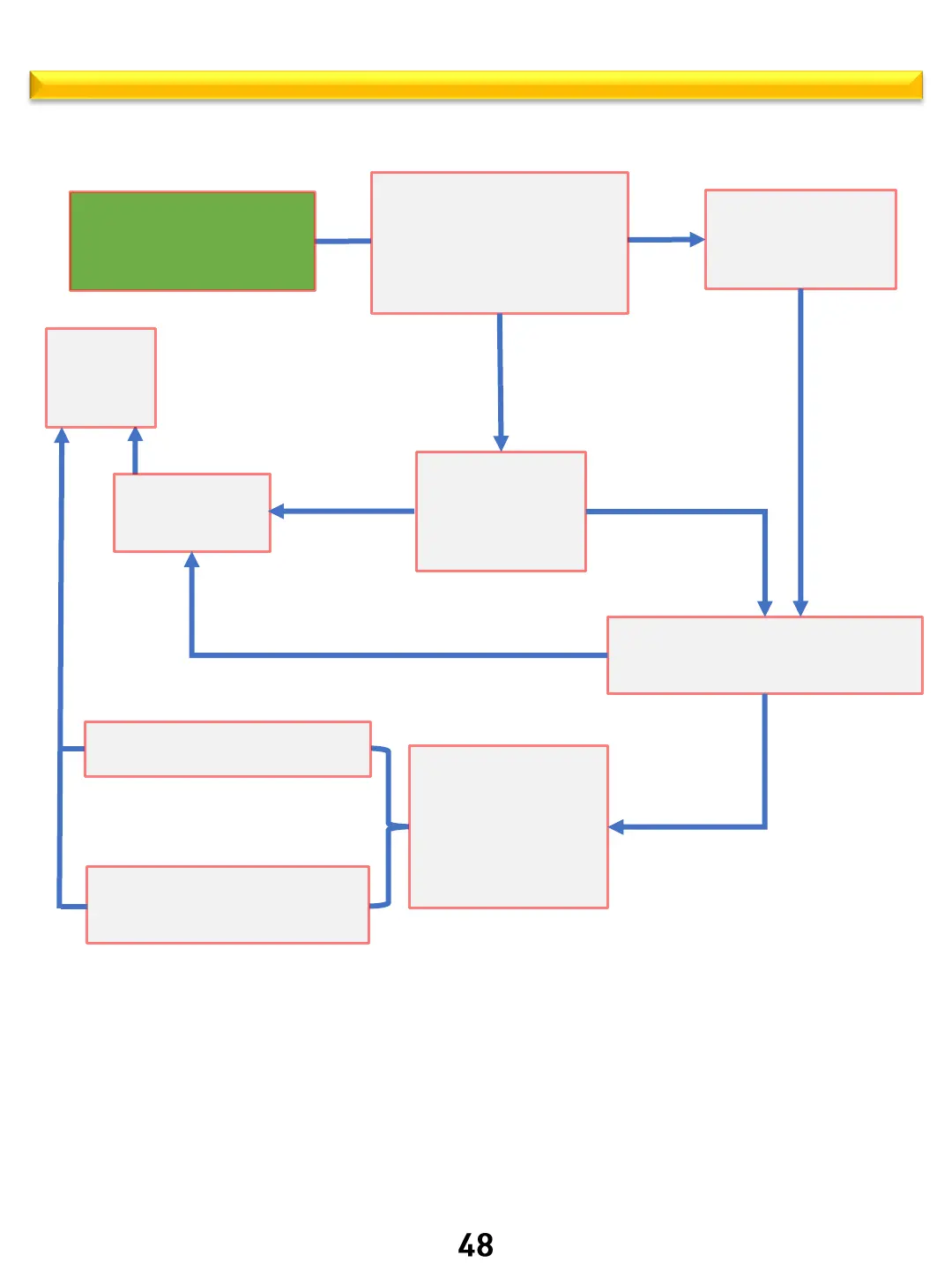
ARE – WARM operation logic
Thor Kitchen internal use only
Use the up and down keys to
select
Warm mode
Warm icon will Flash
Short press the Start/OK
The default temperature is fixed
at 175◦, Warm Icon will be on
00:00 will be flashing to enter
the time
(The longest working time is 3H)
Up and down keys to
set the time
Short press the
Start/OK button
The oven starts to work in Warm mode
If Timer or Cook Time is set, it will
display
Short press the
Start/OK button to
start with out
programing a cook
time
Short press the
OFF button
To cancel cycle
countdown ends
oven stops working
End reminder sound
every 5 seconds for 1
minute
Hot, displayed cooling
fan runs until cool
End of cycle tone ends and the user
does not respond
Short press the OFF button
or after opening the oven door and
closing it again cancels notification
back to
standby
Clock
displayed
Start



 To Next Page