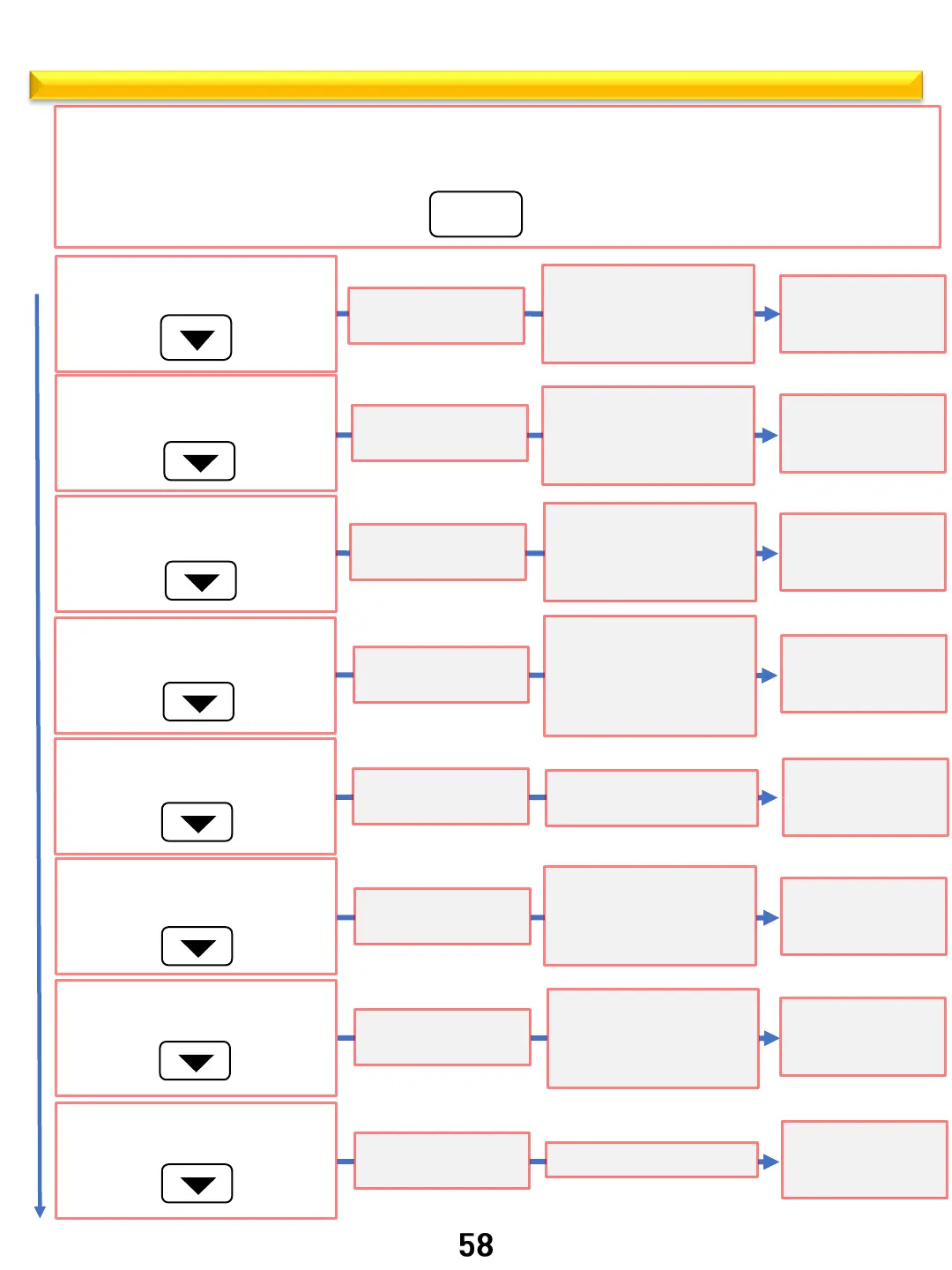
Hidden function flowchart
Standby or mode selection state
Short press the Set button. CLO 00:00 will be displayed for clock set. If setting clock press Start/ OK.
If proceeding to another function use down arrow to move thru list.
SET
1.
2.
Short press the Down arrow key 1X
F - C change
Short press the Down arrow key 2X
Sound On/Off
Short press the Down arrow key 3X
Error code history
Short press the Down arrow key 4X
Calibration
Short press the Down arrow key 5X
Software version
Short press the Down arrow key 6X
Auto OFF
Short press the Down arrow key 7X
Demo mode
Short press the Down arrow key 8X
Factory Reset
1x
2x
3x
4x
5x
6x
7x
8x
Short press the
Start/OK button
Short press the
Start/OK button
Short press the
Start/OK button
Short press the
Start/OK button
Short press the
Start/OK button
Short press the
Start/OK button
Short press the
Start/OK button
Short press the
Start/OK button
F – C flashing
Press the up and down
keys to set
℉ or ℃
Press the Start/OK
button
setup complete
Son- on Flashing
Press the up and down
keys to set
On or Off
Press the Start/OK
button
setup complete
Err is Flashing
Press the up and down
keys to query the last 5
error codes
Press the Start/OK
button
setup complete
CAL 00 is flashing
Press the up and down
keys to set
Compensation value
(range +/-30℉)
Press the Start/OK
button
setup complete
UEr P 38
software Version
Press the Start/OK
button
setup complete
SAF On flashing
Press the up and down
keys to set
On or Off
dIS On flashing
Press the up and down
keys to set
On or Off
rES On flashing
Press the Start/OK
button
setup complete
Press the Start/OK
button
setup complete
Press the Start/OK
button
setup complete



 To Next Page