© TIMYO B.V. TIMYO USER MANUAL EN SKO52021V2 PAGE 41
MANUAL VANDIJCK E-BIKES VD0.1
5.4.5 Error messages C300S
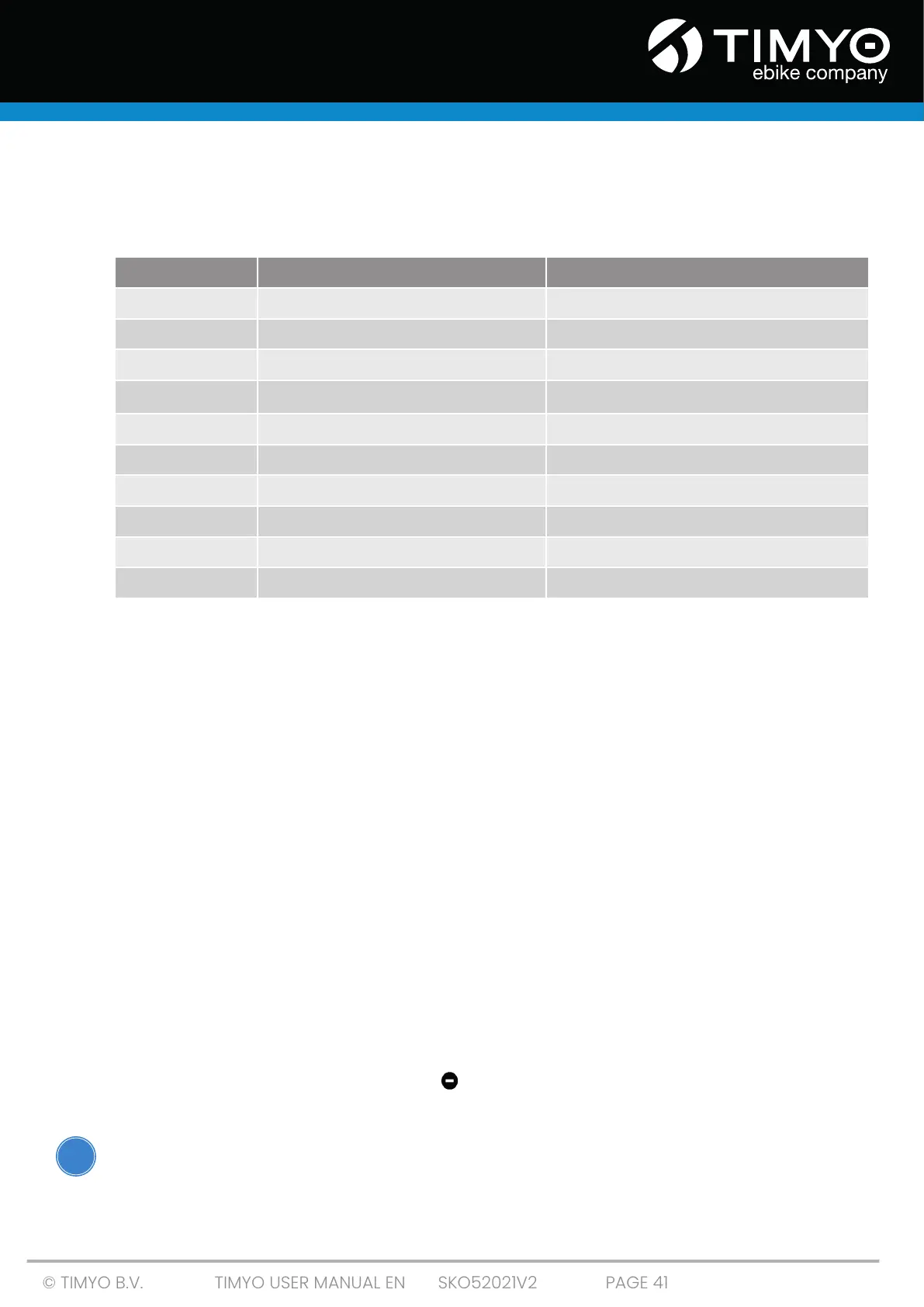
You may see an error message in the display if something goes wrong in the electronic system. The
error messages have the following codes:
Contact a technician to correct the error message. The display will not return to normal until the
problem is resolved. The drive will not be functional until then.
5.5 Overview of functionalities display C600
■ Battery indication
■ Speed display, including current speed, maximum speed and average speed.
■ Distance indicator, including indicator for single routes and total distance traveled.
■ Indicator for walk assist.
■ A number of adjustable parameters such as; wheel diameter, speed limit, battery setting,
number of PAS positions, front light switch, automatic switch off.
5.5.1 Displaying speeds
When the display is switched on, the center of the screen shows the current speed.
In the Netherlands, the legal requirement is that an electronic e-bike may provide assist up to 25
km/h. If you exceed the speed with the e-bike, the pedal assistance will stop. You can continue to ride,
but you will no longer receive assistance. As soon as you get above 25 km/h, the e-bike will not pedal
heavier to get you below 25 km/h. Because there is a free running engine in this model, you pedal as
if you were on an e-bike without pedal assistance.
5.5.2 Setting up walk assist
When the display is on, press and hold the - button to activate the walk assist function. The e-bike
can then go automatically at a constant speed of 6km/h. 6km/h is shown on the display. Walk assist
can only be used when walking with the e-bike.
Make sure you NEVER use the walkassist while cycling!
Number Definition Solution
0
Normal Normal situation; no action required
1
Short circuit in the system / incorrect voltage Contact a technician
2
Error in pedal sensor Contact a technician
3
Problem with power supply to the engine Contact a technician
4
Defect in engine housing Contact a technician
5
Brake problem Contact a technician
6
Low voltage -> battery is empty Charge the battery
7
Engine trouble (stalls) Contact a technician
8
Communication error controller Contact a technician
9
Communication error display Contact a technician
!



 To Next Page