© TIMYO B.V. TIMYO USER MANUAL EN SKO52021V2 PAGE 44
5.6.1 Switching on C300T
■ Lock the battery and switch on the electrical system by turning the key all the way to
right ('on')
■ Turn on the display by pressing and holding the MODE button for 3 seconds
■ Choose the desired level of pedal assist by using the speed throttle and
■ As soon as you pedal, the assist switches on
■ You interrupt the assistance by stopping pedaling.
Start in a low assistance level and low gear to ensure that you start slowly and gradually.
This is safer and it also puts less strain on the battery, so you can cycle a longer distance.
What the screen displays
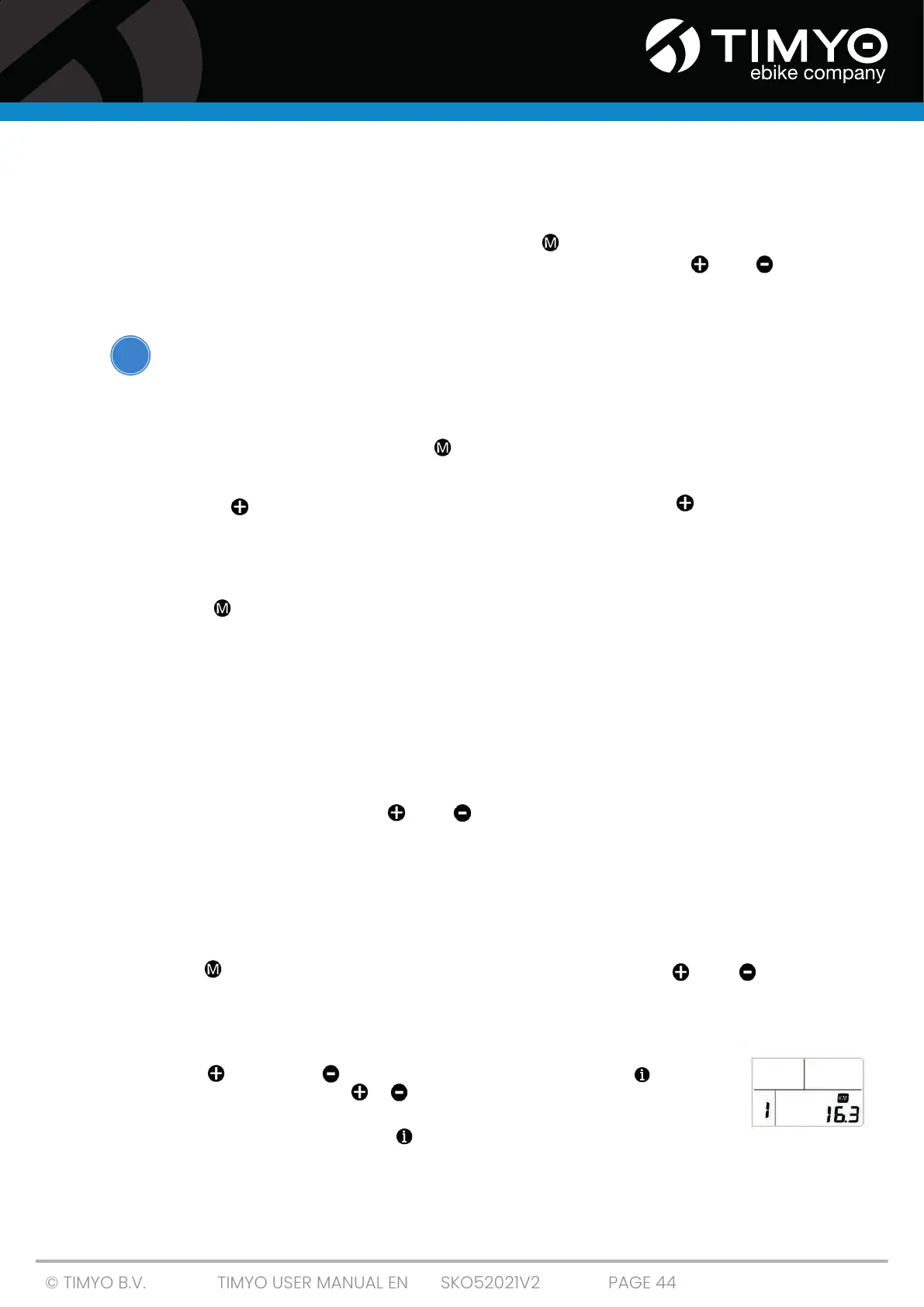
When the display is on, it shows the following: current battery status, current speed, current assistance
level and the distance traveled. Press the MODE button to switch displayed information.
Display backlight
Press and hold for 3 seconds. The backlight will turn on. Press and hold for 3 seconds again to
turn the backlight off
5.6.2 Layout display C300T
Short-press MODE to switch between trip distance, trip time, total kilometres traveled and
maximum speed.
5.6.3 Battery power on display C300T
When the battery is full, all six blocks of the battery icon are full. As blocks drop from the icon, the
battery power decreases. If the battery icon flashes, the battery is completely flat and you need to
recharge it.
5.6.4 C300T settings
Simultaneously press and hold the and button for three seconds; the display will now enter
the setting screen. You can make the following settings:
■ Trip meter reset.
■ Set maximum speed.
■ Set wheel diameter.
■ Set km/h or mp/h.
■ Set the riding position.
Press the MODE button to move to the next setting. Pressing the and button again
simultaneously closes the settings menu.
Trip Meter (Trip Meter) Reset
Set the reset function for single trip distance.
Short-press (<0.5 sec) or to select 'TRIP Reset', then short-press (<0.5 S) . At
this time, short-press (<0.5 sec) or to switch between 'NO' and 'YES'. TRIP Reset
includes maximum speed (MAXS), average speed (AVG), one way trip distance
(TRIP). After confirmation, short-press (<0.5 sec.) to confirm
i



 To Next Page