© TIMYO B.V. TIMYO USER MANUAL EN SKO52021V2 PAGE 63
MANUAL VANDIJCK E-BIKES VD0.1
6.2 Semi integrated battery Saber/Swordfish
6.2.1 Control of the battery lock - Semi integrated
To attach the battery pack to the e-bike, follow the steps below:
■ Gently insert the battery into the battery slot.
■ The battery turns on automatically, you don't need to activate it manually.
■ Lock the battery by turning the key to the "lock" symbol.
■ Always remove the key from the battery pack during operation.
■ To unlock the battery lock, turn the key to "unlock".
■ Remove the key from the lock after opening or closing.
6.2.2 Removing the battery from the e-bike - Semi integrated
Use the key on the battery lock.
■ Insert the key into the lock on the left side of the battery and
carefully turn the key towards the "unlock" symbol.
■ Remove the key from the battery.
■ Pull the throttle of the battery towards you.
■ Grasp the battery with your other hand and also pull it towards you
■ You can now carefully remove the battery from the battery slot
with both hands.
6.2.3 Inserting the battery into the e-bike - Semi Integrated
You can place the battery in the middle frame. First, position the lower part of the battery pack to the
correct position at the battery connector, then use a sideways motion to insert the complete battery
pack until a click is heard.
6.2.4 Battery charging - Semi integrated
The battery should be charged with the charger provided. The battery can
remain in the e-bike during charging, but it can also be removed from the
e-bike. Charging takes place via the regular electricity grid. In some cases,
you will need to turn on the battery before the battery can be charged. The
charging port is on the right side of the battery - on the other side is the
throttle for unlocking the battery.
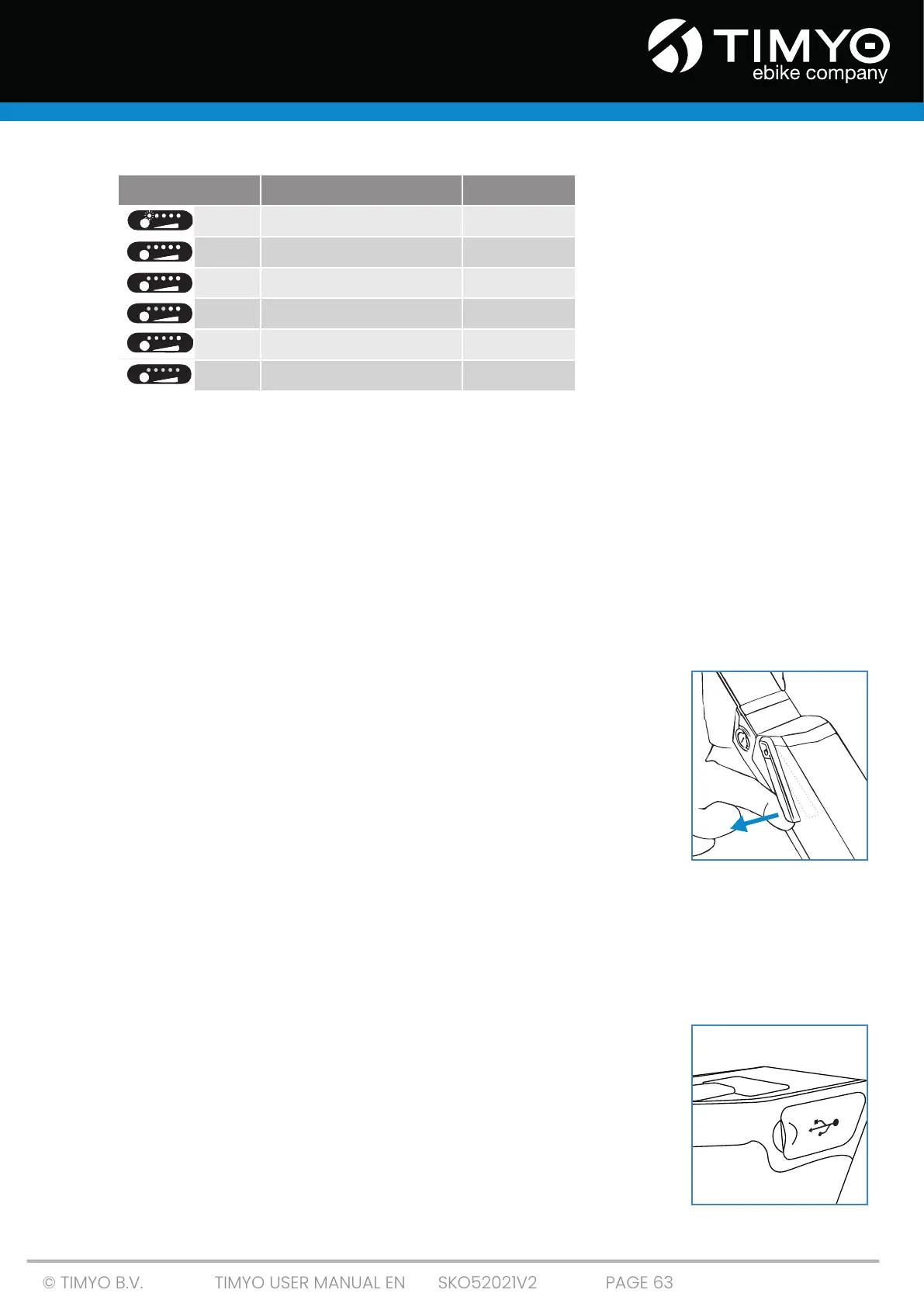
Error description LED Status SOC
First LED flashes ≤ 5%
A green light 6–9%
Two green lights 10–29%
Three green lights 30–49%
Four green lights 50–74%
Five green lights ≥75%



 To Next Page