© TIMYO B.V. TIMYO USER MANUAL EN SKO52021V2 PAGE 60
5.8.31 Enable/disable settings
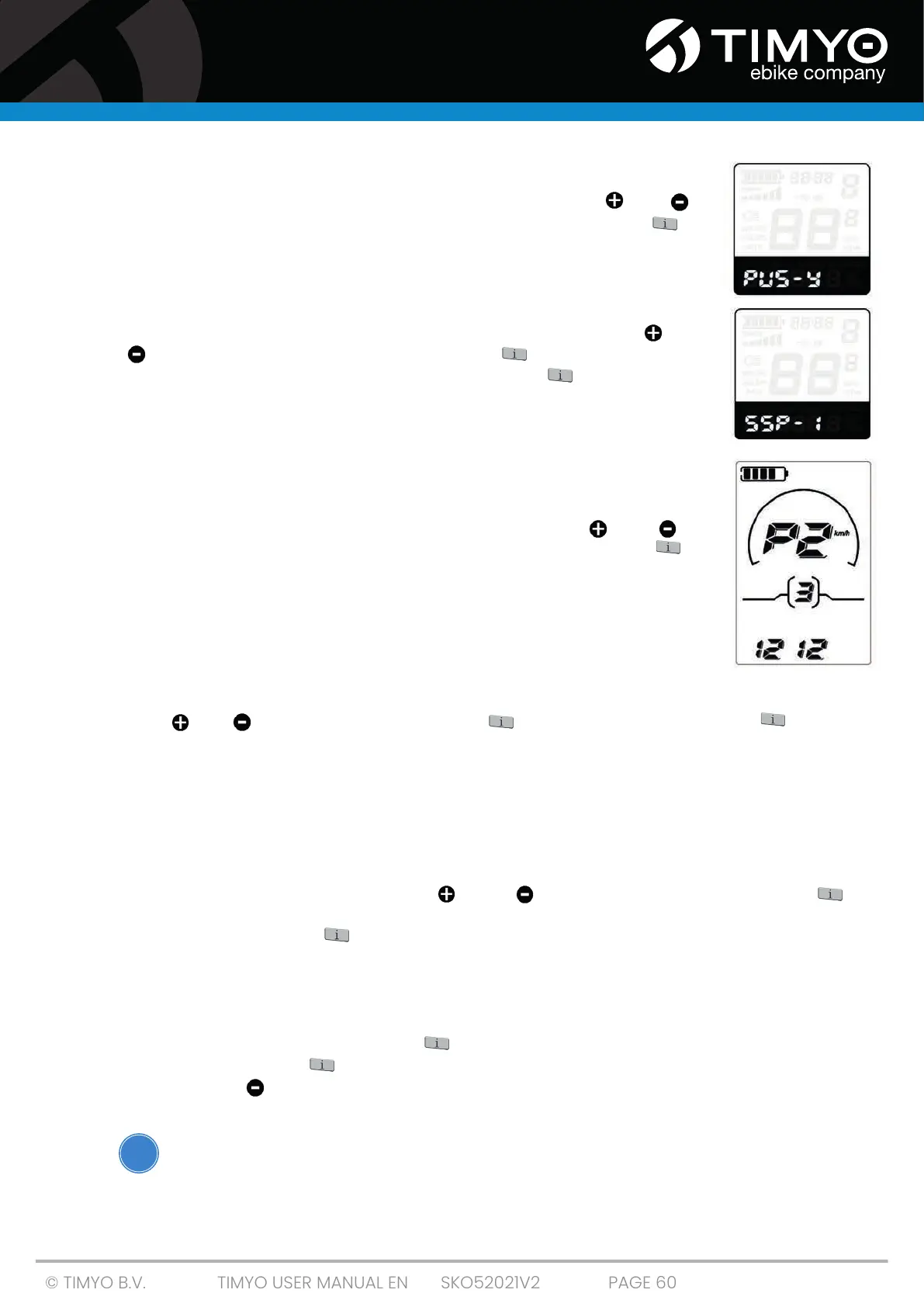
"PUS means push-assist button enable/disable settings. Press " " or " "
button to select Y or N. Y can be selected while N is switched off. Press " " to
confirm. The default value is Y.
5.8.32 Enable/disable push button
"SSP"stands for slow start-up. The range is "1-4", "4" is the slowest.The default
value is "1". If you want to change the slow startup settings, press the " " or
" " button to choose the desired value. Press " " and go to Delay time
settings for battery power. Alternatively, press and hold " " for 2s to return
to the previous menu.
5.8.33 Enable password settings
After accessing power-on password settings interface, "P2, 0000" is displayed
on the screen and it refers to power-on password. A power-on password is a
4-digit code. The default password is "1212". Press the button " " or " " to
increase or decrease the values and enter the password by pressing " " to
confirm digits one by one, and then you can access Enable Password Settings.
Otherwise, still remain in the password entry status.
5.8.34 Enabling/disabling password
Press " " or " " and select Y or N and press " " to confirm. Select Y and press " " to access
power-on password change interface; press N to exit password setting and return to previous menu.
The default value is N.
■ Y is enable password on.
■ N is enable password off.
5.8.35 Power-on password change
When the display shows P3, 0000, press " " or " " to change the values, then press " " to
confirm digits one by one, until the new 4-digit password is completed. To save the new power-on
password, press and hold " " for 2s and exit the settings. When you turn on the e-bike system next
time, the display shows P1,0000. Enter the new password to turn on.
5.8.36 Close the settings KD716
In the settings interface, short-pressing " " (less than 2s) confirms the entry and saves the current
settings, while pressing " " (more than 2s) is to save settings and exit the current setting. If you
press and hold " " (more than 2 s), you must cancel the operations, but not to save setting data
and use the settings.
If there are no operations within one minute, the settings interface will automatically close.
!



 To Next Page