6-15
6 SPECIAL MODE (Menu Mode)
7
Collimate prism P1 (Origin) and press [F1](MEAS)
key.
Measuring starts. *1)
Input display of reflector B(P2) height will be
shown.
Collimate
P1
[F1]
8
Press [F1](INPUT) key and enter reflector B(P2)
height.
[F1]
Enter R. HT
[F4]
9
Collimate prism B (P2)(Origin) and press the
[F1](MEAS) key.
Measuring starts. *1)
The coordinate data and the direction angle of the
instrument are calculated and restored.
The result (The distance between A and B) will be
displayed.
dHD: Horizontal distance
dVD:Vertical distance
dSD:Slope distance *2) ,3)
Collimate
P2
[F1]
10
Press [F1](NEZ) key to measure other points.
11
Collimate a prism and press [F1](MEAS) key.
Coordinate measurement starts. *4)
The result will be shown. *5)
[F1]
Collimate P
[F1]
*1) Measurement is Fine N-times measurement mode.
*2) To show dSD, press [F4](P
↓
) key.
*3) To show the new occupied data, press [F2](S.CO) key.
*4) Measurement is Fine N-times measurement mode.
*5) To return to previous mode, press the [ESC] key.
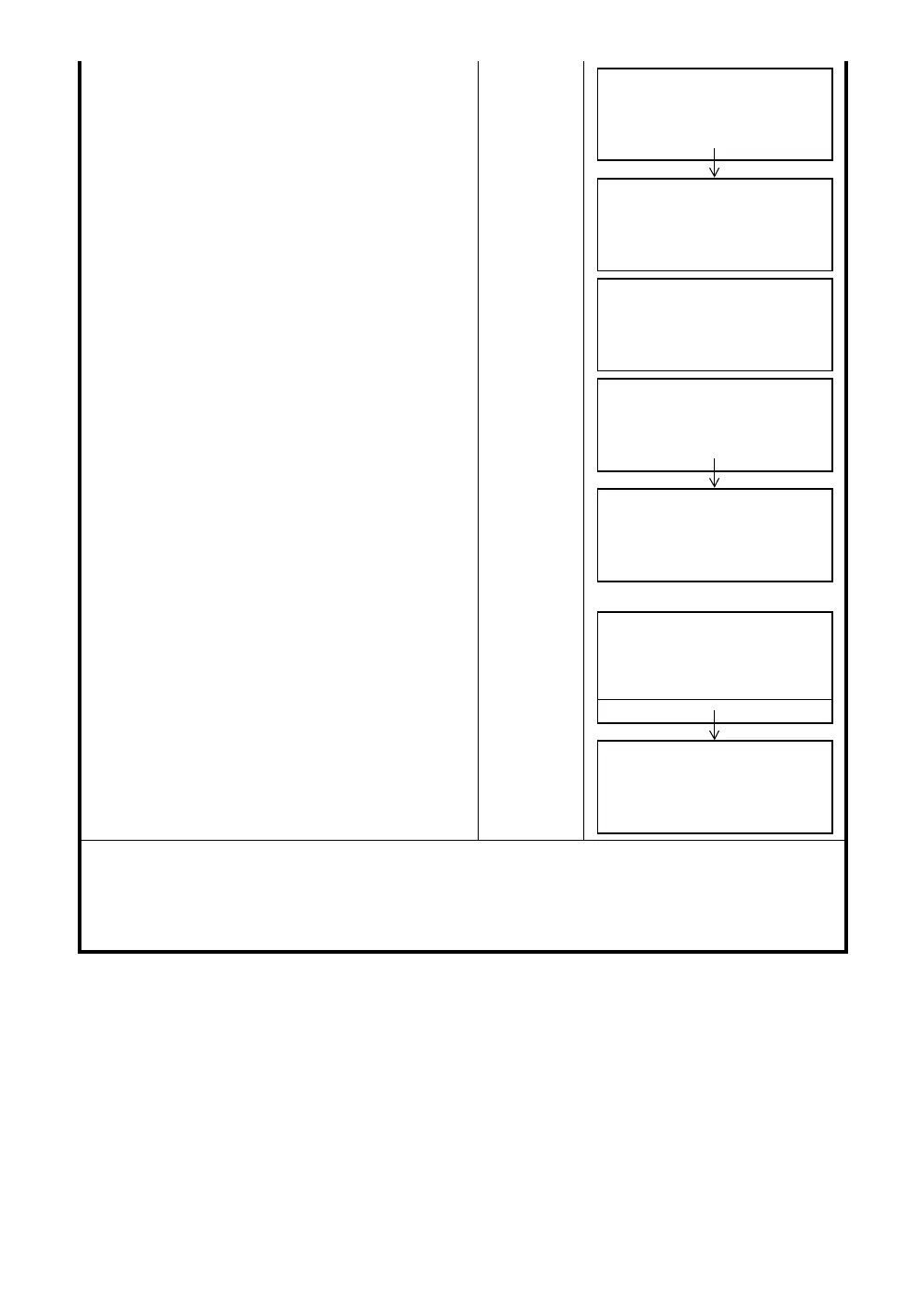
POINT TO LINE
MEAS.P1
HD*[n] << m
>Measuring...
REFLECTOR HEIGHT
INPUT
R.HT: 0.000 m
INPUT ––– ––– ENTER
POINT TO LINE
MEAS.P2
HD: m
MEAS ––– NP/P –––
POINT TO LINE
MEAS.P2
HD*[n] << m
>Measuring...
DIST. (P1-P2) 1/2
dHD: 10.000 m
dVD: 0.000 m
NEZ S.CO ––– P
↓
N: 0.000 m
E: 0.000 m
Z: 0.000 m
MEAS R.HT NP/P –––
>Measuring...
N: 3.456 m
E: 5.432 m
Z: 0.000 m
MEAS R.HT NP/P –––



 To Next Page
 Loading...
