9-5
9 MEMORY MANAGER MODE
9.2.2 Coordinate Data Searching
Example searching :Point number searching
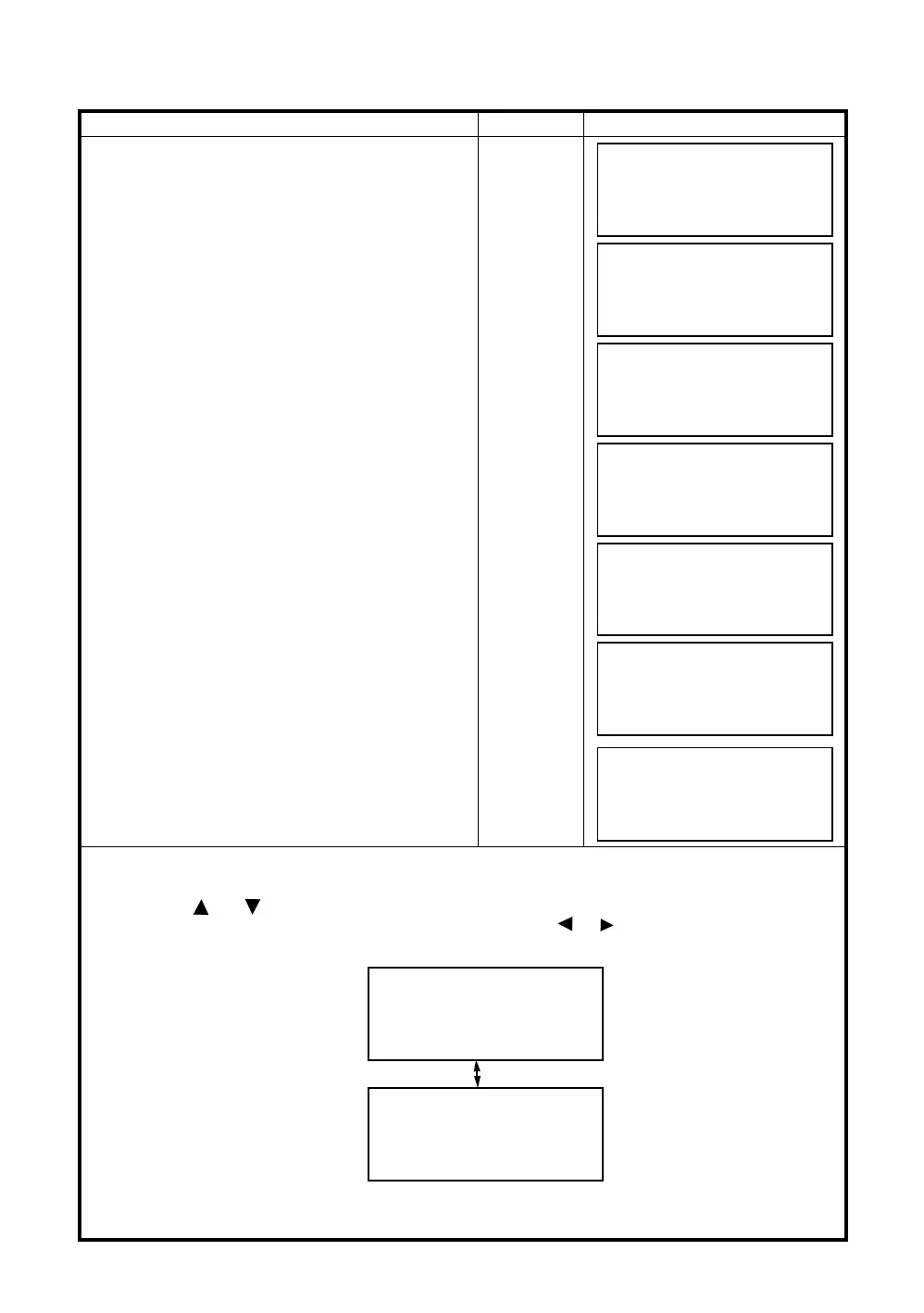
Operating procedure Operation Display
1
Press the [F3](MEMORY MGR.) key from the
menu 1/3.
[F3]
2
Press the [F2](SEARCH) key.
[F2]
3
Press the [F2](COORD. DATA) key.
[F2]
4
Press the [F1](INPUT) key and enter File Name.
Press the [F4](ENT) key. *1)
[F1]
Enter FN
[F4]
5
Press the [F3](PT# DATA) key.
[F3]
6
Press the [F1](INPUT) key and enter PT#.
Press the [F4](ENT) key. *1)
[F1]
Enter PT#
[F4]
7
Press the [F4](
↓
) key to get the next page.
[F4]
*1) Refer to Section 2.6 “How to Enter Alphanumeric characters”.
● "
" represents data shown on the display is the stored data.
● Press the [ ] or [ ] key to scroll to next or previous point.
● To search COORD. DATA of the same point number, press the [ ]or[ ] key.
● PTL data will be shown below.
MEMORY MGR. 1/3
F1:FILE STATUS
F2:SEARCH
F3:FILE MAINTAN P
↓
SEARCH
F1:MEAS. DATA
F2:COORD. DATA
F3:PCODE LIB.
SELECT A FILE
FN:_________
INPUT LIST ––– ENTER
COORD. DATA SEARCH
F1:FIRST DATA
F2:LAST DATA
F3:PT# DATA
PT# DATA SEARCH
PT#:_________
INPUT ––– ––– ENTER
PT#
TOP-104 1/2
N
100.234 m
E
12.345 m
Z
1.678 m
↓
PCODE
TOPS 2/2
STR.
↓
PT#
TOP-105 1/2
L
10.000 m
O
20.000 m
E
0.000 m
↓
PCODE
TOPS 2/2
STR.
FROM
TOP-101
TO
TOP-102
↓
[F4]



 To Next Page
 Loading...
