7-18
7 DATA COLLECTION
7.5 Point to Line Measurement
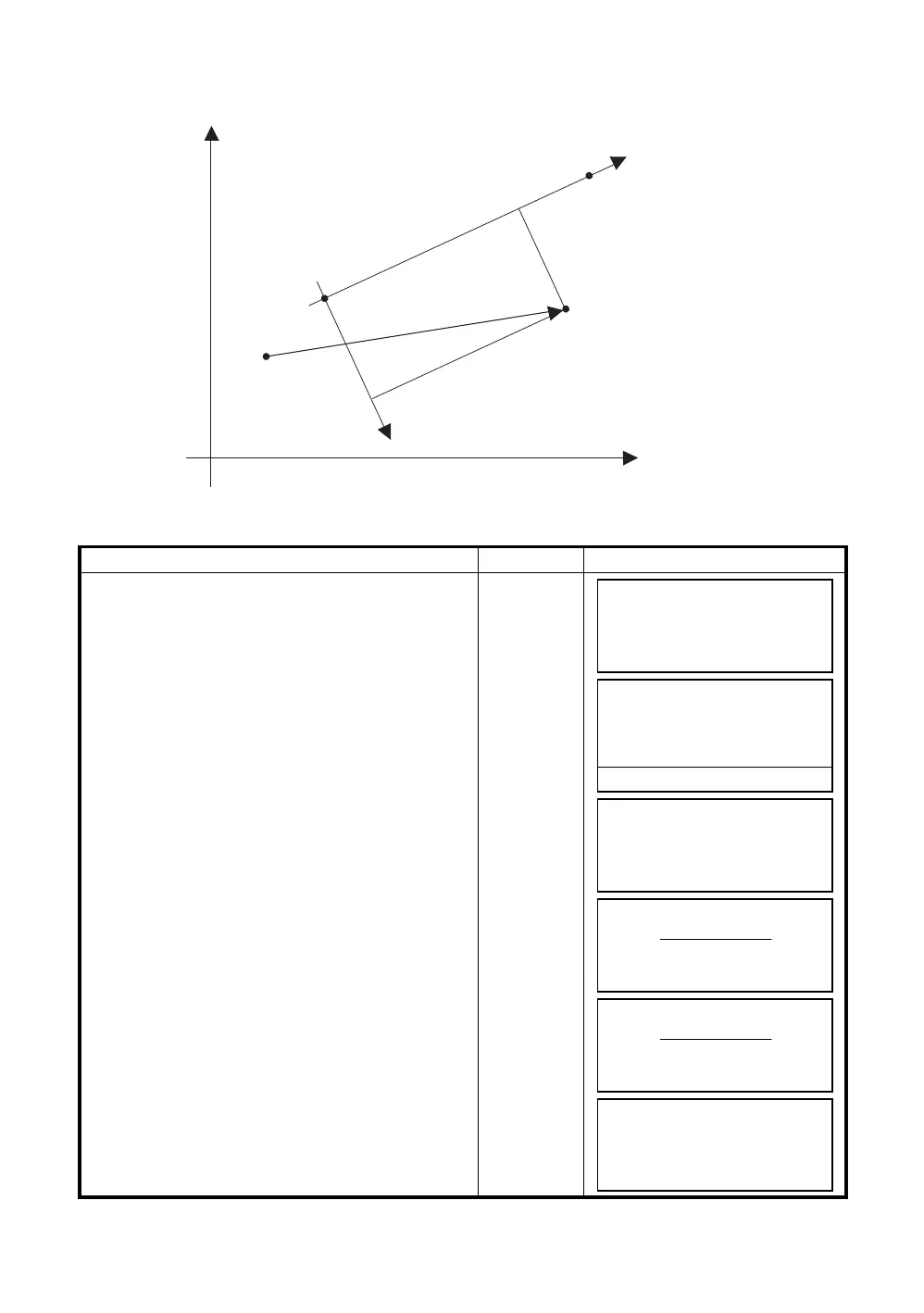
In this mode, a offsetting point from a certain determined line can be measured.
7.5.1 To change to the point to line measurement
Operating procedure Operation Display
1
Press the [F3](MEAS) key and press the [F4]key to
get to the next soft key page.
[F3]
[F4]
2
Press the [F2](PTL) key.
[F2]
3
Press the [F1](ON) key and press the
[F4](ENTER) key.
The input screen of a reference point 1 will appear.
[F4]
4
Enter the point 1 data and press the [F4](Enter).
The input screen of a reference point 2 will
appear.
Input data
[F4]
5
Enter the point 2 data and press the [F4](Enter).
The screen will return to data collect
measurement.
If the PTL measurement mode is available, ‘PTL’
will appear next to PT#.
Input data
[F4]
OCC.PT
Offset
Ref.P1
PT#
(PT#PTL)
Ref.P2
∆O
∆L
Line
E
N
PT#
→
PT-01
PCODE :TOPCON
R.HT : 1.500 m
INPUT SRCH MEAS ALL
PT#
→
PT-01
PCODE :TOPCON
R.HT : 1.500 m
VH *SD NEZ P1
↓
OFSET PTL NP/P P2
↓
POINT TO LINE MODE
[F1:ON ]
F2:OFF
ENTER
REF. POINT 1
PT#:
INPUT LIST --- ENTER
REF. POINT 2
PT#:
INPUT LIST --- ENTER
PT#PTL
→
PT-01
PCODE :TOPCON
R.HT : 1.500 m
INPUT SRCH MEAS ALL



 To Next Page
 Loading...
