Phoenix Pro User Manual
95
4. Once the floating electricity is removed, a prompt message box “The floating
electricity has been removed, please turn off the headlamp to continue the
testing” will appear on the screen.
5. Follow the on-screen instructions to turn off the headlamp and tap [OK], the
system will continue the testing. Tap
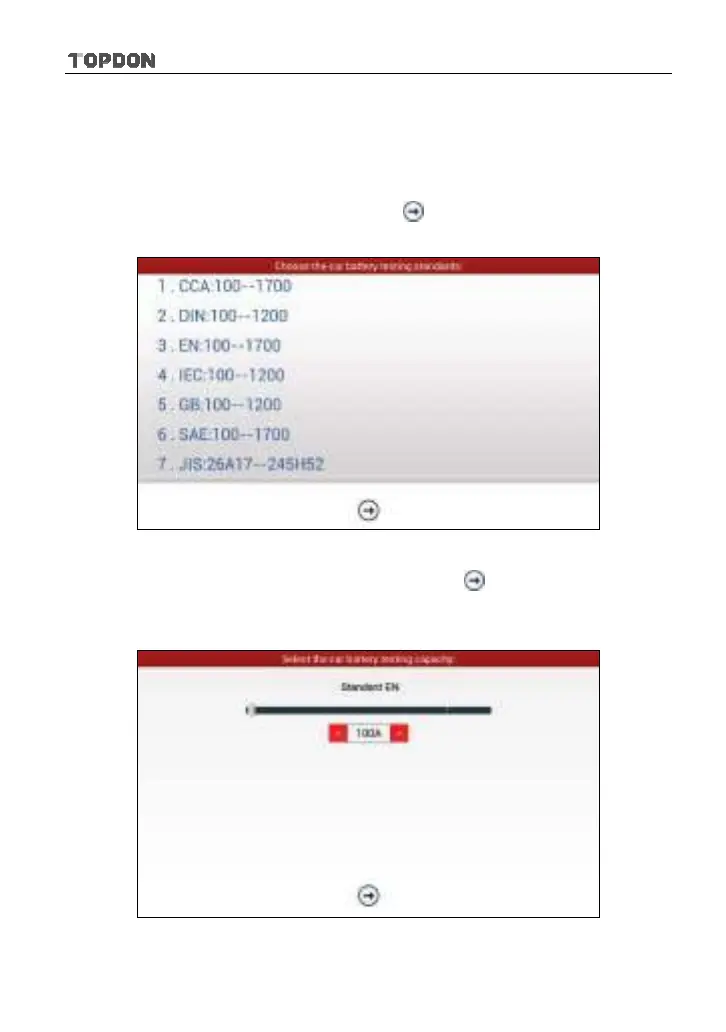
, it will enter testing standard
selection screen.
Fig. 11-5
6. Select a testing standard except for JIS and tap
, a screen similar to Fig.
11-6 will appear. Users can adjust capacity size by tapping on < or > or by
dragging the slider on the bar.
Fig. 11-6












 To Next Page