Phoenix Pro User Manual
75
Information” box every time you save the diagnostic report.
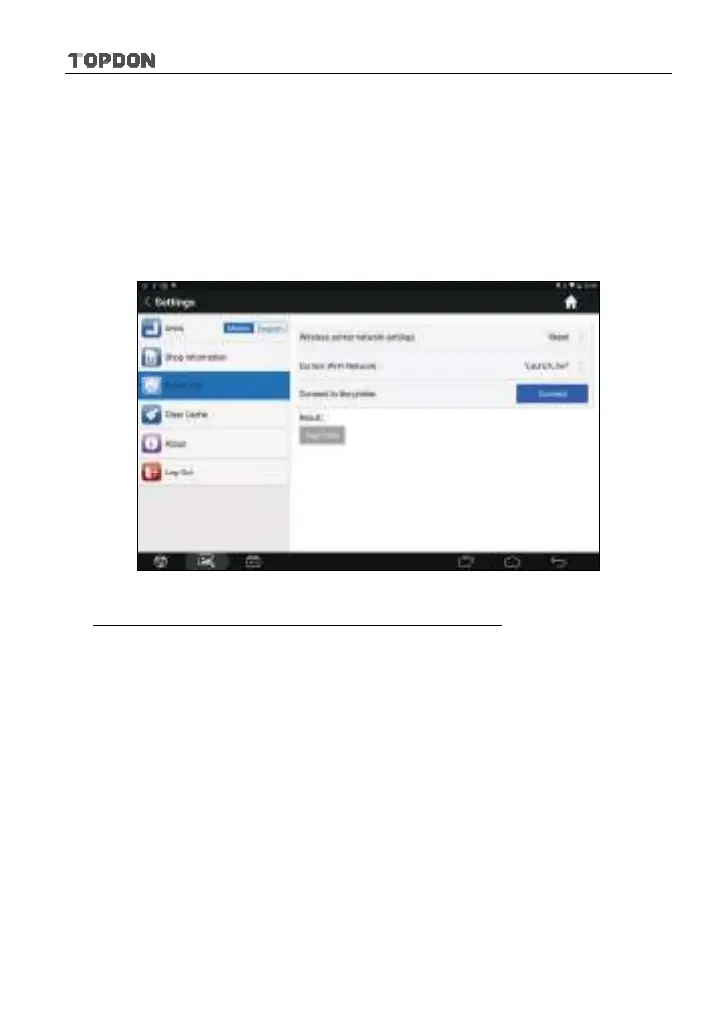
8.11.3 Printer Set
This option is designed to establish a wireless connection between Phoenix Pro
and the Wi-Fi printer (sold separately) while performing printing operations.
Follow the steps below to connect the printer.
1. Tap “Printer Set”.
Fig. 8-9
A. If it is the first time you have operated this printer, please proceed the
following:
2. For initial use, you are suggested to reset the printer: Press and hold [MODE]
& [FEED] for 8 seconds, the following resetting command will be printed out:
at + default = 1
ok
at + reboot = 1
rebooting...
1. Tap “Reset” to configure Wi-Fi printer.












 To Next Page