Phoenix Pro User Manual
23
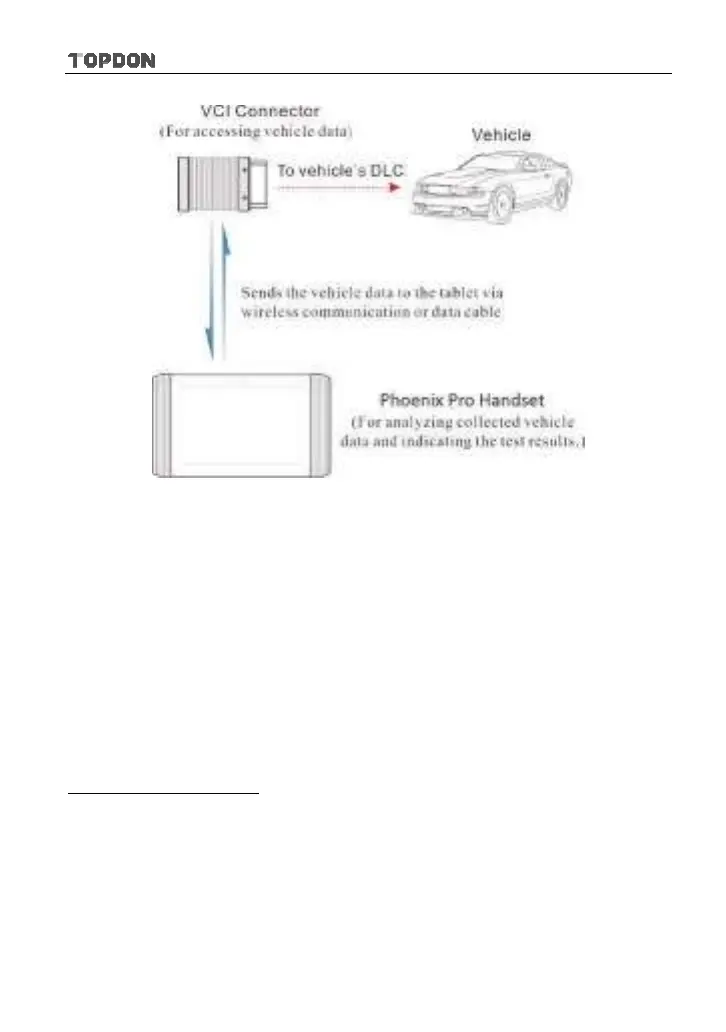
Fig. 4-10
*Notes:
y
While using the diagnosis via Bluetooth, the VCI connector should be paired with
the Phoenix Pro tablet. If no Bluetooth setting is done before diagnostic software is
launched, you can also configure it while using the software.
y
To obtain stable communication, you are strongly recommended to perform the
vehicle diagnosis via USB cable. In this case, the USB cable is required to connect
the VCI connector and the Phoenix Pro tablet.
4.4 Connections
4.4.1 Preparation
Normal testing conditions
y
Turn on the vehicle power supply.
y
The vehicle battery voltage is 9~18volts.
y
The throttle is in a closed position.
4.4.2 DLC location
The DLC (Data Link Connector) is typically a standard 16 pin connector where
diagnostic code readers interface with the vehicle’s on-board computer. The












 To Next Page