Phoenix Pro User Manual
89
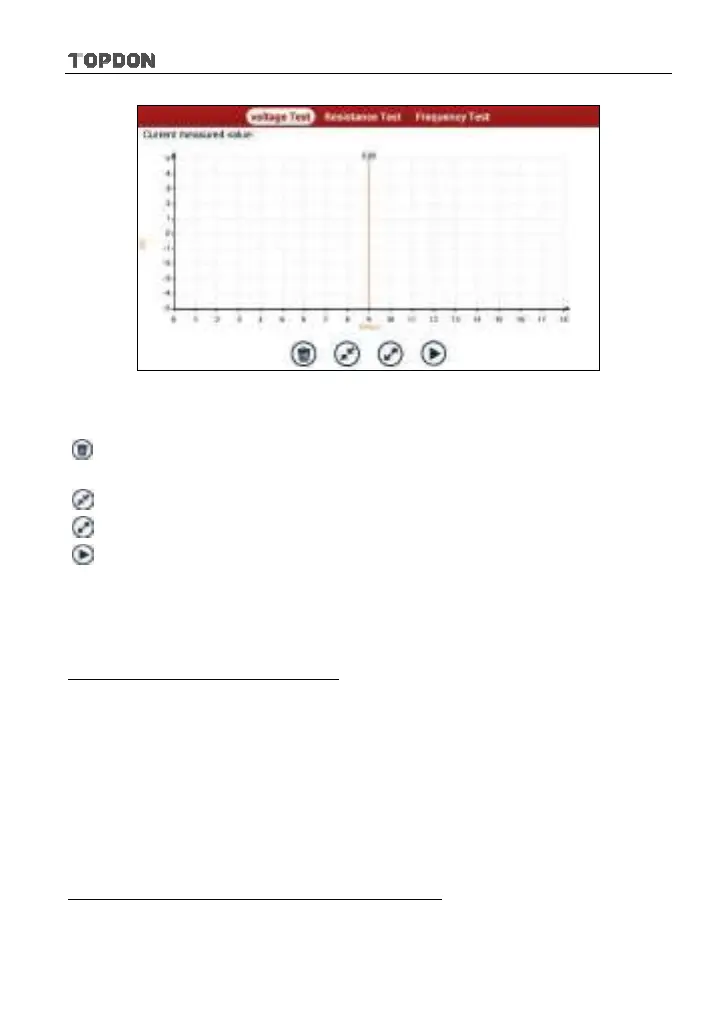
Fig. 10-2
The following operations can be done:
[
]: Erases the currently displayed waveform and display it starting from the
left.
[
]: Reduces the range and zoom in the waveform.
[
]: Increase the range and zoom out the waveform.
[
]: Starts or stops the testing process.
10.2 Test Sample
Knock sensor testing
(1) Resistance test for knock sensor
Switch ignition “OFF”, unplug the wire connector of knock sensor, test the
resistance between the wire terminal and the case of knock sensor with
“Resistance test” function, it shall be ∞ (disconnected), and if it is
0Ω(conductive), which means the knock sensor shall be replaced. For the
magnetostriction knock sensor, it can also test the resistance by the “Resistance
measurement” function; the resistance shall be compliant with the specified
value (see specific service manual for the detailed data), otherwise, the knock
sensor shall be replaced.
(2) Checking for the output signal of knock sensor
Unplug the wire connector of knock sensor, check voltage between knock
sensor connector terminal and ground wire of knock, it should be output pulse












 To Next Page