Phoenix Pro User Manual
111
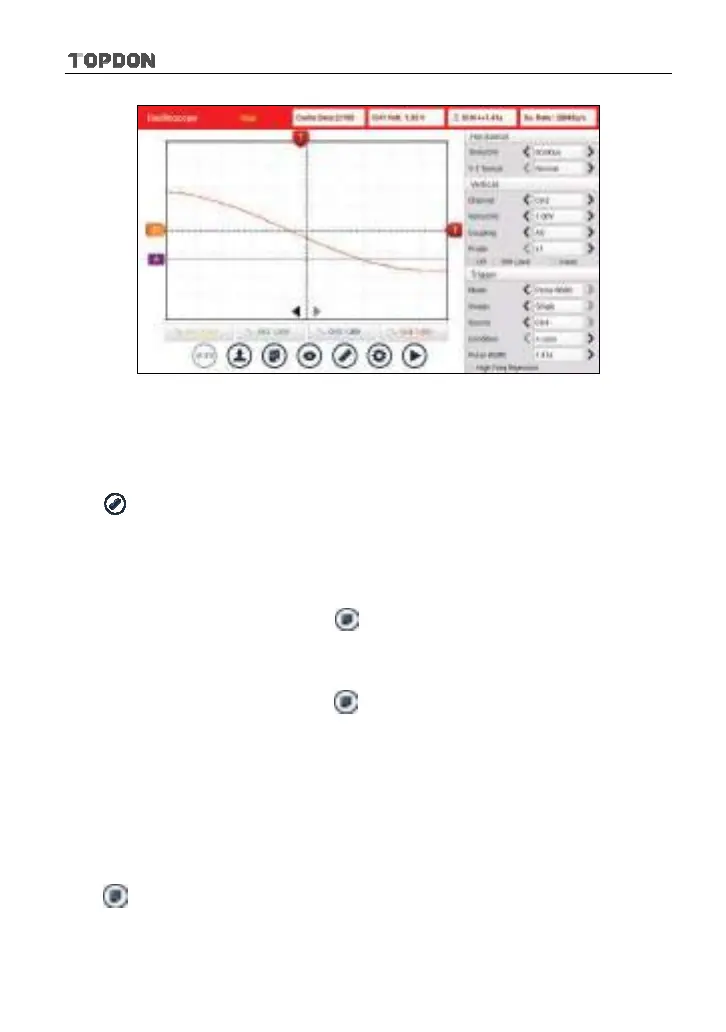
Fig. 12-11
*Note: If no desired channel is selected, the system will take the current source as the
default channel.
<3> Clear measure
Tap
and then [Clear Measure], the system will clear the measurement result
on screen.
12.4.5 File management
<1> Save snapshot
While viewing sampling data, tap
and then [Save Snapshot] to store the
current screen.
<2> Snapshot manager
While viewing sampling data, tap
and then [Snapshot Manager] to enter.
View, delete and edit operations are supported.
<3> Record waveform
This function is used to record input waveforms that are acquired by the
Scopebox at a specific period, and save it as waveform file which can be
recalled in future.
It can be performed only when the Scopebox is collecting data in Normal mode.
Tap
, then select [Record] from the pop-up menu to start recording.












 To Next Page