Phoenix Pro User Manual
112
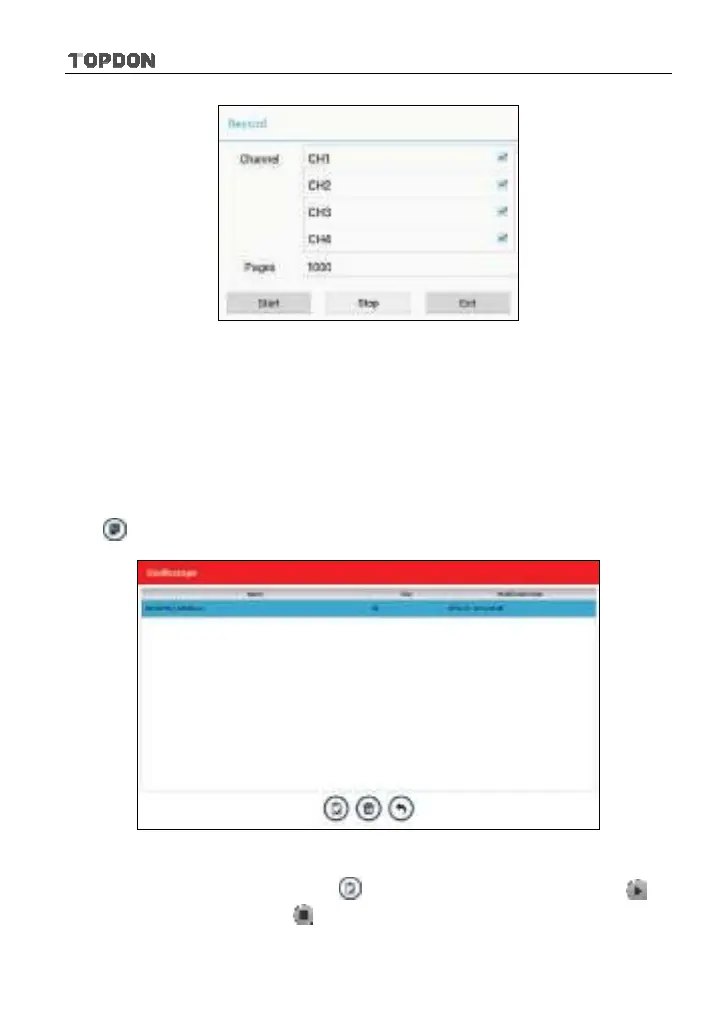
Fig. 12-12
Tap [Start] to start recording with a minimum record length of 10 frames, and
[Stop] to stop recording. While recording, the recorded pages will be shown on
the screen.
<4> Load waveform for playback
The Import function enables you to import the stored waveform file for playback
and review. During replaying, the Scopebox stops collecting data automatically.
Tap
, then select [Waveform replay] from the pop-up menu to enter:
Fig. 12-13
Select the file first, and then tap
to open the waveform file. Tap to
starting the playback and tap
to stop it.












 To Next Page