Phoenix Pro User Manual
110
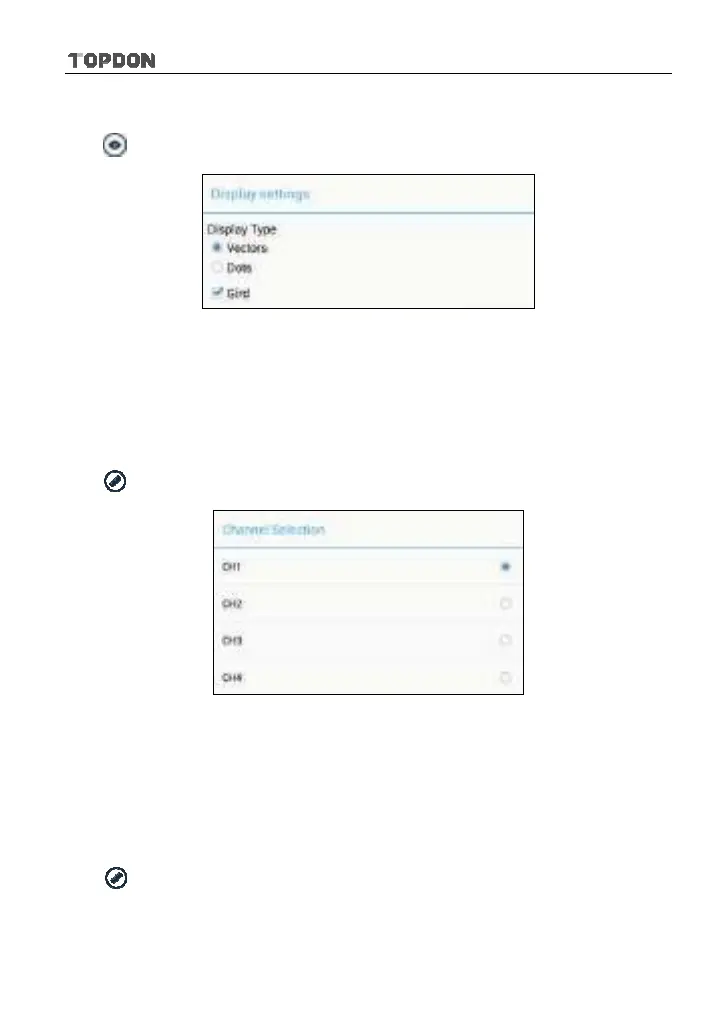
<3> Display settings
Tap
and then [Display settings] to enter the setting screen.
Fig. 12-9
Select “Vectors” or “Dots” to display waveforms as vectors or dots. Check /
uncheck the box before Grid to turn on/off grid display.
12.4.4 Measure
<1> Channel source
Tap
and then [Source], a screen similar to Fig. 12-10 will appear.
Fig. 12-10
<2> Horizontal / Vertical measure
Horizontal Measure / Vertical Measure are used to measure voltage parameter
and time parameter respectively. Drag A line upwards or downwards to control
voltage. Move A line left or right to fine-tune timebase. A line is a solid line and B
line is a dotted line.
Tap
and then [Horizontal Measure], a screen similar to Fig. 12-11 will
appear.












 To Next Page