Phoenix Pro User Manual
113
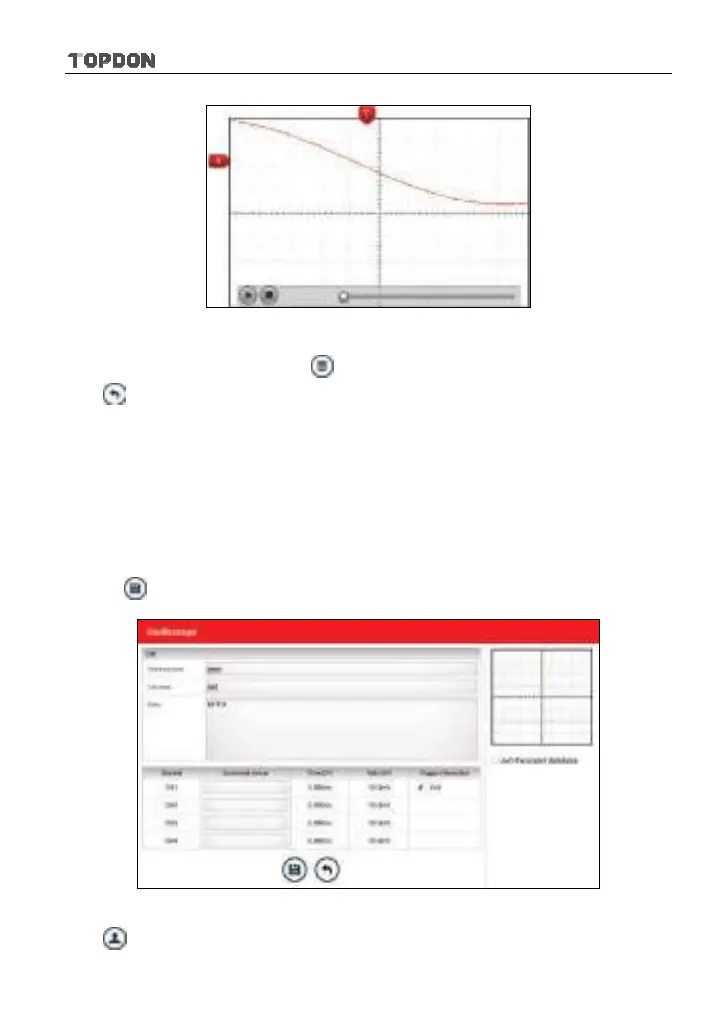
Fig. 12-14
To delete the waveform file, tap .
Tap
to return to the previous screen.
12.4.6 Expert reference
<1> Expert Reference
By default, it appears blank. As a matter of fact, Expert reference database is
generated by doing the following:
2. Open and edit a snapshot.
3. Select “Joint the expert database” (refer to the following illustration), and then
tap
to save the waveform being displayed on the screen as REF.
Fig. 12-15
Tap and then [Expert Reference] to enter, the following operation can be












 To Next Page