Phoenix Pro User Manual
22
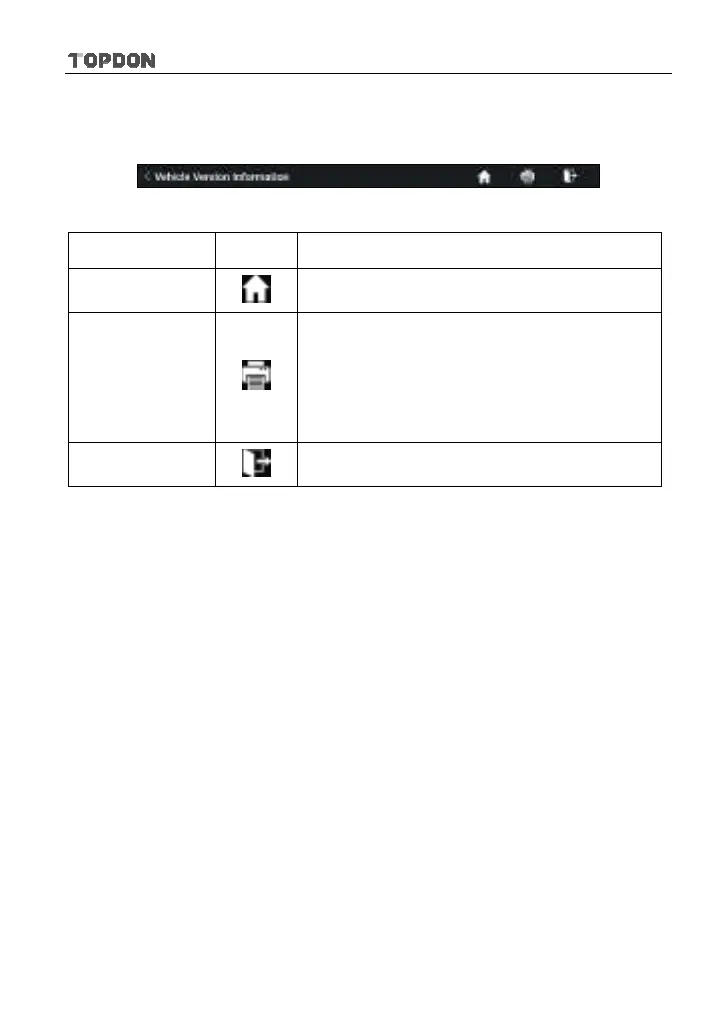
the screen and goes through the whole diagnostic session. The table below
provides a brief description for the operations of the diagnostics toolbar buttons:
Fig. 4-9
Name Button Description
Home
Returns to Job menu screen.
Print
Tap to print the current screen. To perform
printing, you need to purchase an extra Wi-Fi
printer separately and then properly configure
the printer following the steps described in
Chapter 8.11.3.
Exit
To exit the diagnostic application.
4.3 Diagnosis Methods
Phoenix Pro tablet supports 2 communication methods with the VCI connector:
wireless Bluetooth and USB cable. You may choose any one of the methods to
diagnose a vehicle.












 To Next Page