Phoenix Pro User Manual
67
7.2 Set Frequently Used Software
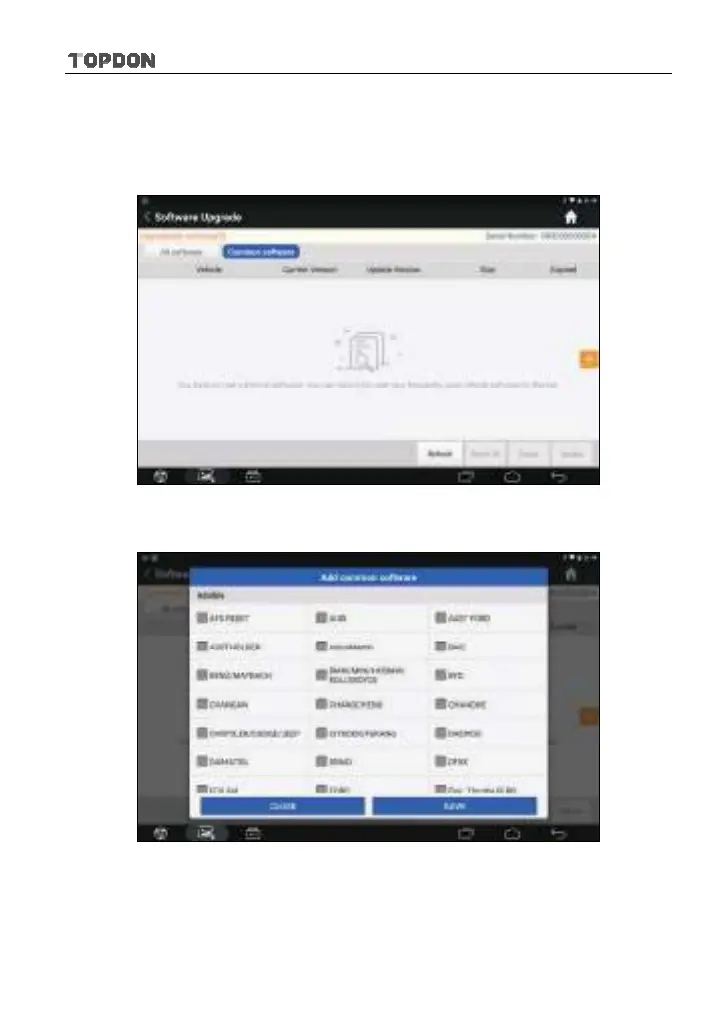
To easily locate and quickly update some frequently used software, you can use
the “Common Software” option to create a frequently used software list.
Fig. 7-2
Tap “Common software” and tap “+”, a pop-up window appears.
Fig. 7-3
Select the checkbox before the software name and tap “SAVE”, the software will
be displayed in the Common software list. Next time you want to update it, just
go to “Common Software”.












 To Next Page