Phoenix Pro User Manual
88
10 Multimeter (More)
10.1 Main Menu
Make sure the tablet and the sensorbox are properly connected (Refer to
Chapter 9.3.1 Connections for details), tap the Phoenix Pro application and then
tap “More” -> “Multimeter” to display the test menu.
Fig. 10-1
Tap the desired test to perform related test.
The operation method on
Resistance Test
and
Frequency Test
is identical to
that of
Voltage Test
. Here take Voltage test as an example for demonstration.
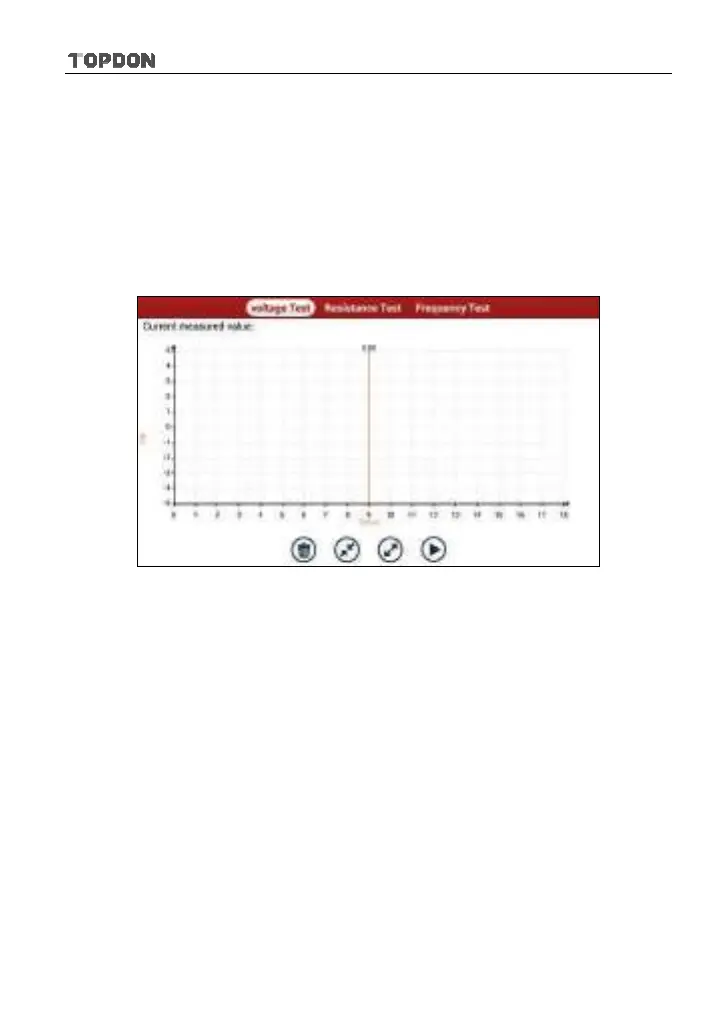
Tap “Voltage Test”, a screen similar to Fig. 10-2 appears:












 To Next Page