Phoenix Pro User Manual
104
marked in different colors.
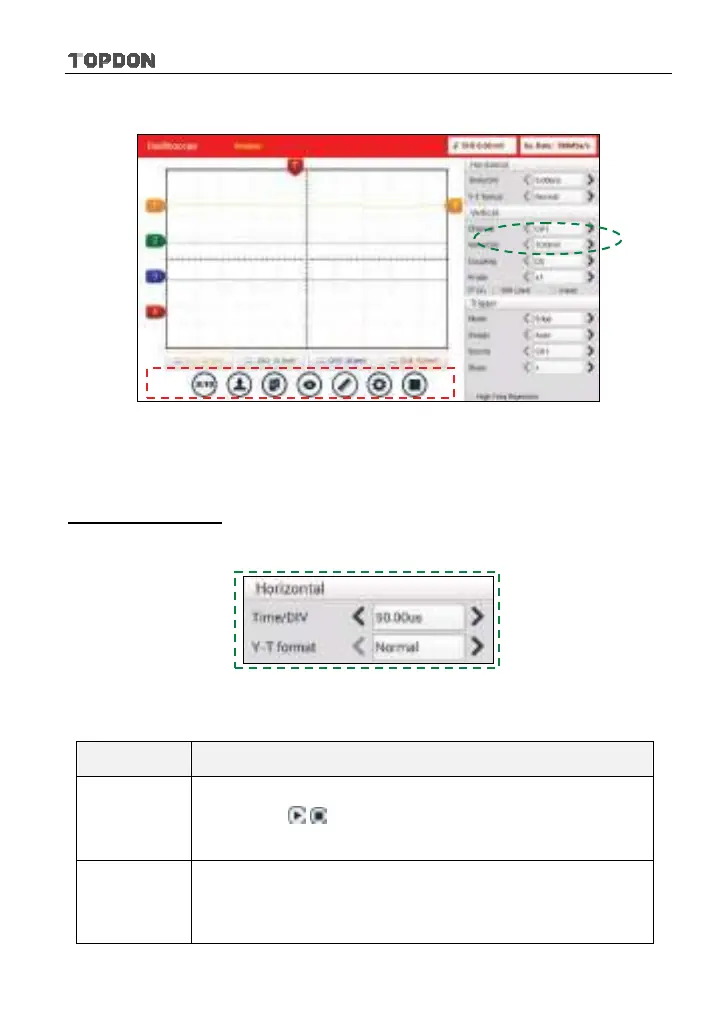
Fig. 12-3
<2> Channel attributes & trigger setting
Channel attributes can be set via horizontal settings and vertical settings.
Horizontal Settings
User can make some settings directly by tapping < or > next to options.
Fig. 12-4
Options descriptions:
Menu Comments/Settings
Time/DIV
Horizontal scale. If the waveform acquisition is stopped
(using the / button), the Time/DIV selector expands
or compresses the waveform.
Y-T format
The conventional oscilloscope display format. It shows the
voltage of a waveform record (on the vertical axis) as it
varies over time (on the horizontal axis).












 To Next Page