Phoenix Pro User Manual
15
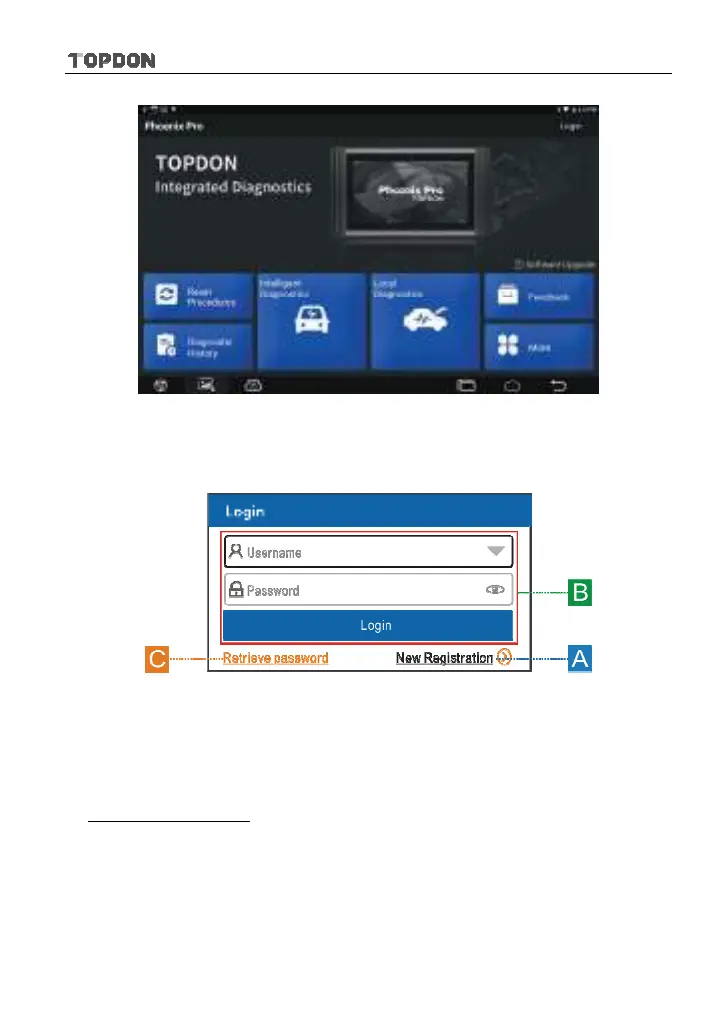
Fig. 4-1
Tap “Login” on the upper right corner of the screen, the following login window
will pop up on the screen.
Fig. 4-2
(If you are a new user, follow
A to proceed.)
(If you have registered to be a member, go to
B to login the system directly.)
(In case you forgot password, refer to
C to reset a new password.)
A. If you are a new user, tap “New Registration” to enter registration page. See
Fig. 4-3.












 To Next Page