Phoenix Pro User Manual
17
Fig. 4-5
*Note: To exit and activate it later, tap “Skip”. In this case, you can activate your
connector by tapping “Activate VCI” in “Personal Center”. For details, please refer to
Chapter 8.5.
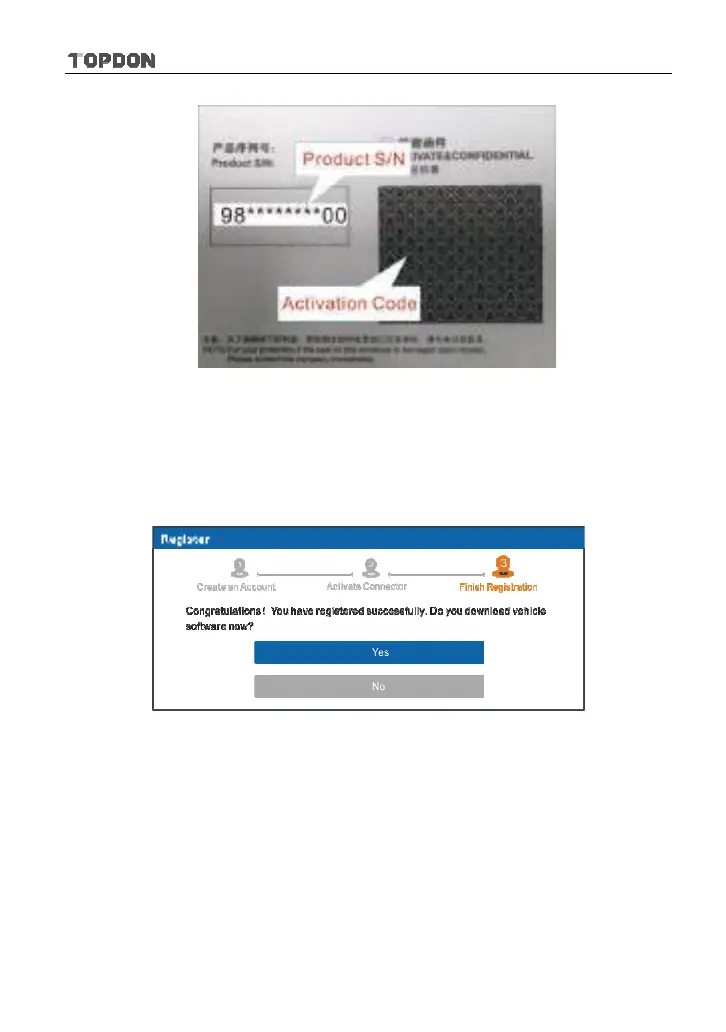
Tap “Activate” to finish your registration. See Fig. 4-6.
Fig. 4-6
To download the diagnostic software, tap “Yes” to enter the download page.
Tap “No” to download and install it later.
On download page, tap “Update” to start downloading. To pause downloading,
tap “Stop”. To resume it, tap “Continue”. Once download is complete, the system
will install the software package automatically.
*Notes:
y
In process of download, please make sure the tablet has a strong Wi-Fi signal. It
may take several minutes to finish it, please be patient to wait.












 To Next Page