Phoenix Pro User Manual
35
What’s new:
Tap to view the optimized items and enhancements.
Introduction:
Tap to check the software function list.
Note:
Tap to read some precautions on using the current diagnostic software.
Search Bluetooth:
Tap to search for the available VCI Bluetooth connector.
*Notes:
•
No Bluetooth connection is required for DEMO program.
•
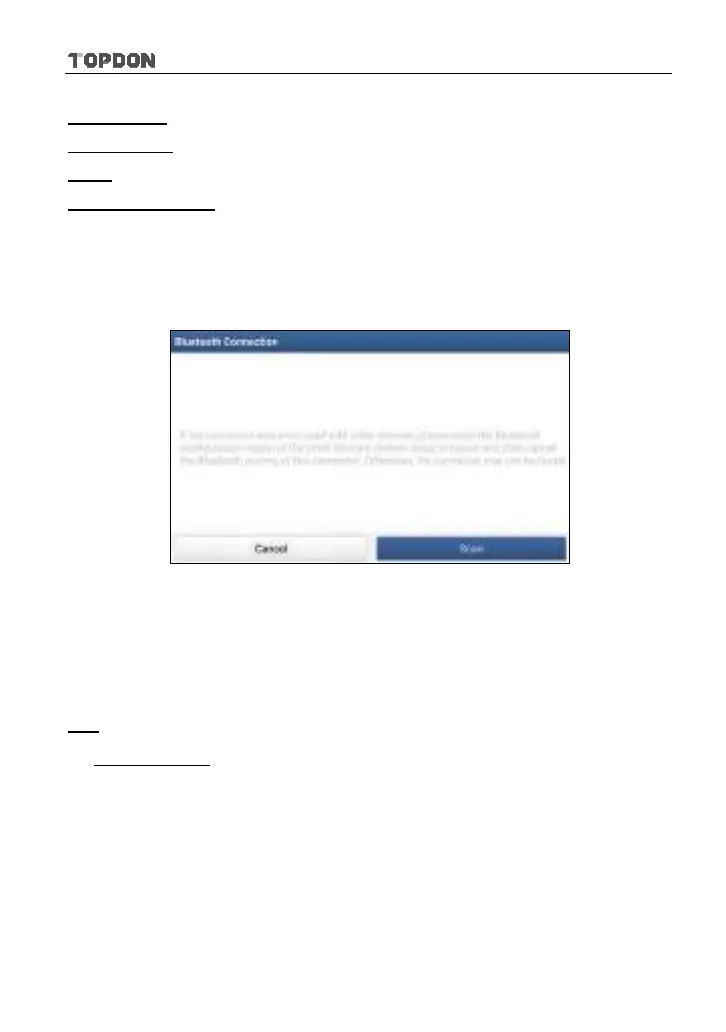
If a vehicle is tested and no Bluetooth connection is made before diagnosis, tap
“Search Bluetooth”, a dialog box similar to the following appears:
Fig. 5-16
Tap “Scan” to start searching for the VCI connector. Once it is found, tap it to start
pairing.
If the Phoenix Pro handset has paired with the VCI connector, it will enter Step 2
directly.
OK:
Tap it to go to next step.
2). Select test item: Select the desired test item to proceed.












 To Next Page