Phoenix Pro User Manual
43
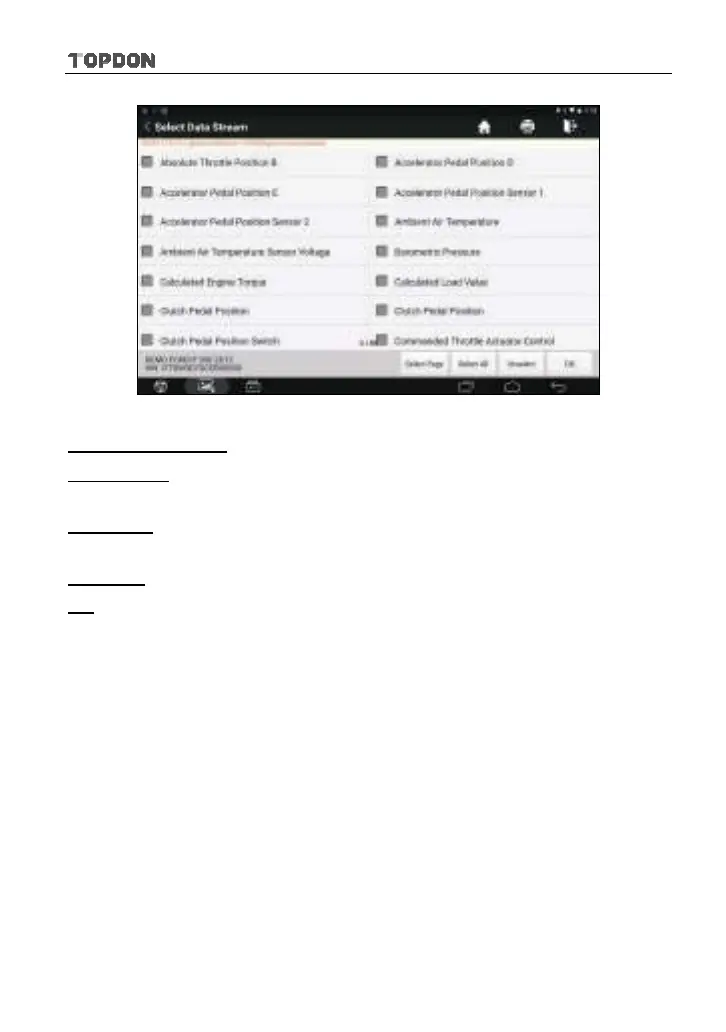
Fig. 5-27
On-screen Buttons:
Select Page:
Tap it to select all items of the current page. To select certain data
stream item, just check the box before the item name.
Select All:
Tap it to select all items of the all pages. To select certain data
stream item, just check the box before the item name.
Unselect:
Tap it to deselect all data stream items.
OK
Tap it to confirm and jump to the next step.
After selecting the desired items, tap “OK” to enter the data stream reading
page.












 To Next Page