Phoenix Pro User Manual
45
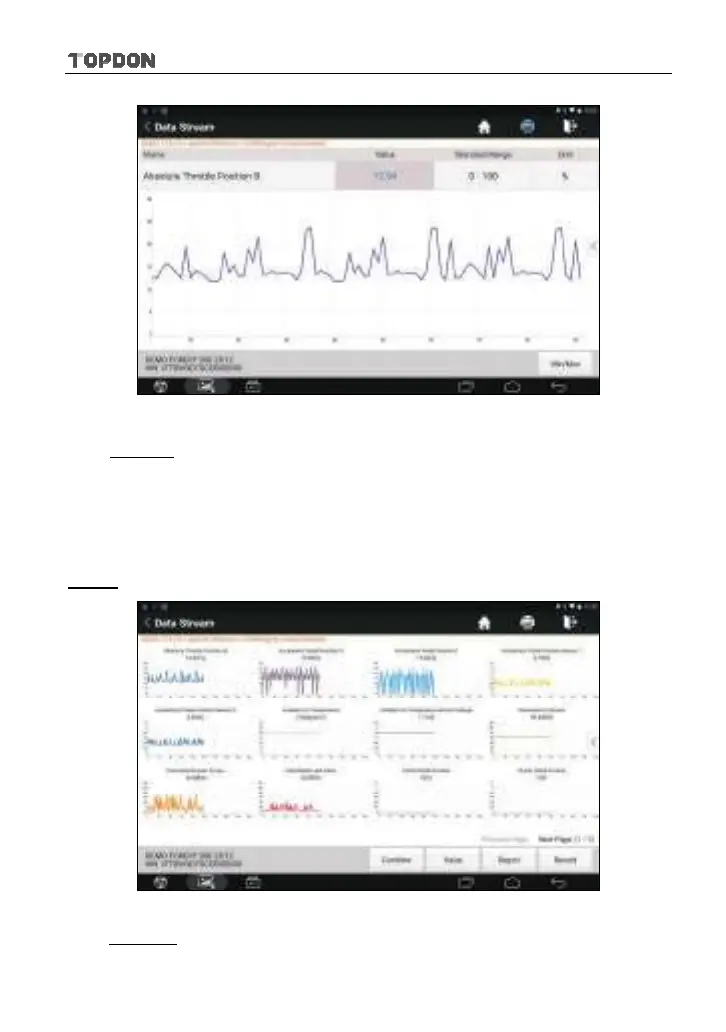
Fig. 5-29
• Min/Max: Tap to define the maximum/minimum value. Once the value
goes beyond the specified value, the system will alarm.
*Note: The real time (Live Data) vehicle operating information (values/status) that the
on-board computer supplies to the tool for each sensor, actuator, switch, etc. is called
Parameter Identification Data (PID).
Graph
: Tap it to view the waveform.
Fig. 5-30
• Combine: This option is mostly used in graph merge status for data
comparison.












 To Next Page